Website speed — why a slow site costs you customers, and how to fix it
Google's Core Web Vitals explained simply — LCP, INP and CLS, the targets to hit, how to test your site, and the fixes that make the biggest difference.

Nobody waits for a slow website. If your page takes too long to show anything on a phone, visitors hit the back button — and the next result on Google gets the customer.
Speed also matters to Google itself. Its Core Web Vitals are part of how it judges page experience. Here's what they mean, the targets to hit, and the fixes that help most.
Core Web Vitals in plain words
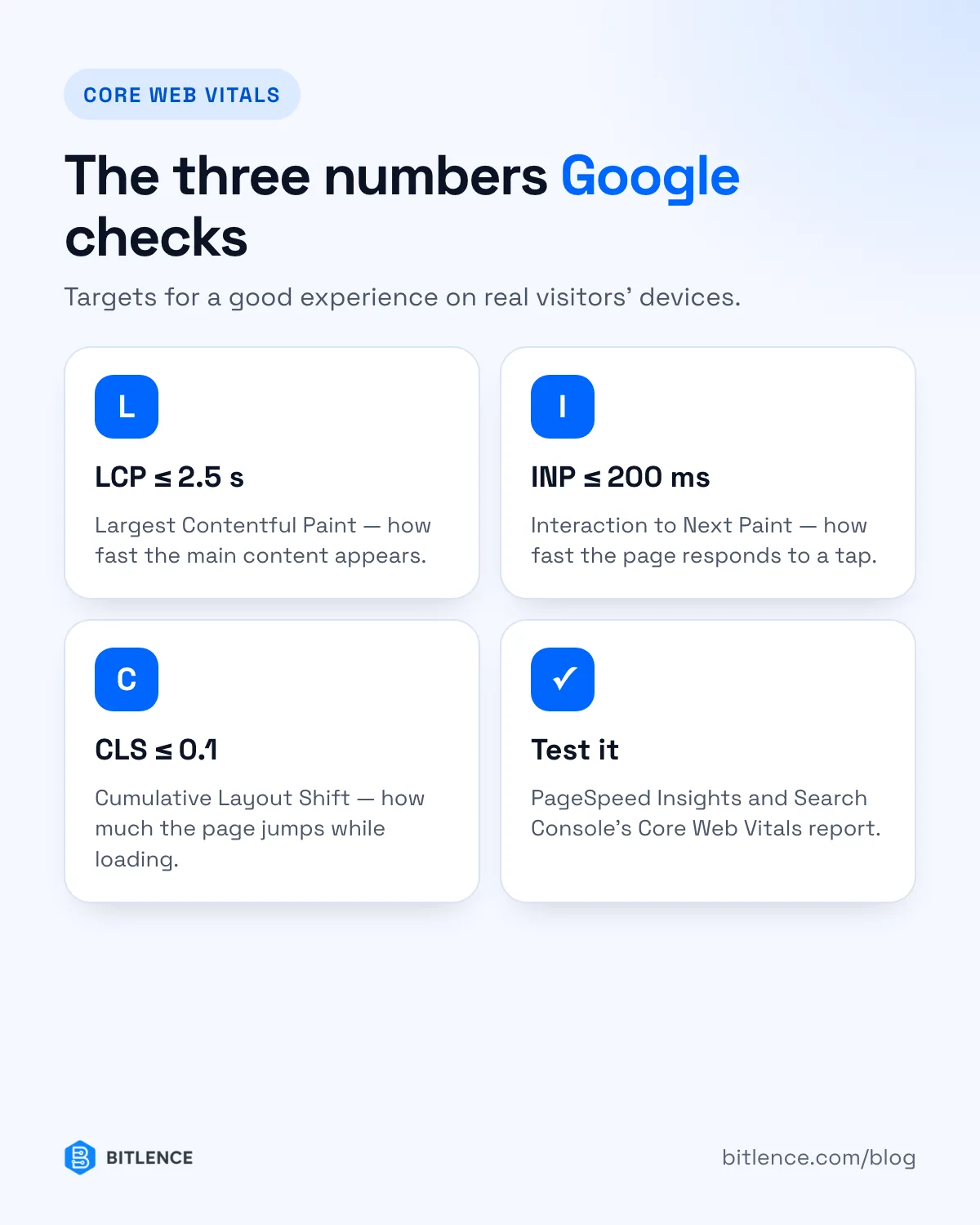
- LCP — Largest Contentful Paint. How long until the main content (usually the big heading or hero image) appears. Good: 2.5 seconds or less.
- INP — Interaction to Next Paint. How quickly the page responds when someone taps or clicks. Good: 200 milliseconds or less.
- CLS — Cumulative Layout Shift. How much the page jumps around while it loads — the reason you tap the wrong button. Good: 0.1 or less.
Google measures these from real visitors' devices, and looks at the experience of most of your visitors, not just the fastest ones.
How to test your site
- PageSpeed Insights (pagespeed.web.dev) — enter your URL to see real-visitor data and a lab test.
- Google Search Console → Core Web Vitals — shows which groups of pages are slow on mobile and desktop.
- Chrome DevTools → Lighthouse — a detailed lab test with a list of fixes.
Lab tests vary from run to run. Look at trends and real-visitor data, not a single score.
The fixes that make the biggest difference
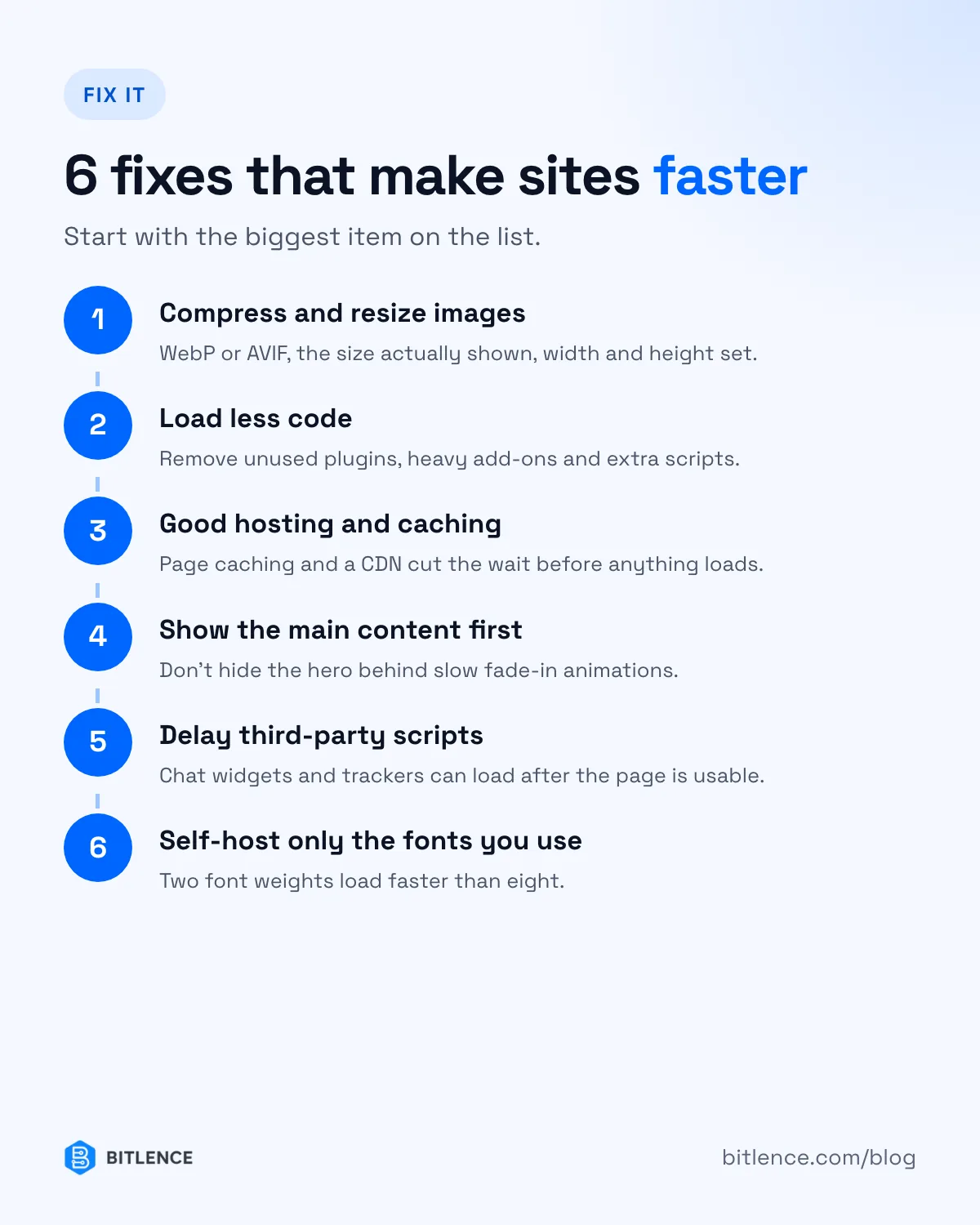
- Compress and resize images. Use WebP or AVIF, serve the size that's actually displayed, and give every image a width and height so the page doesn't jump.
- Load less code. Remove unused plugins, heavy page-builder add-ons and scripts you don't need. Every plugin adds weight.
- Use good hosting and caching. A slow server delays everything. Page caching and a CDN help a lot.
- Don't hide the main content. Fancy fade-in animations on the hero can delay LCP; the most important content should appear first.
- Delay third-party scripts. Chat widgets, trackers and embeds can load after the page is usable.
- Self-host fonts and load only what you use. Two font weights load faster than eight.
A quick example
When we audited our own site, the homepage scored 99 for mobile performance, while some inner pages swung between 80 and 100 between test runs. The lesson: test the pages that matter most, re-test more than once, and fix the biggest item first. (More in what an SEO audit found on our own website.)
Want a faster website?
We build fast, SEO-ready websites and speed up existing ones — WordPress or custom. Send us your URL for a free speed check, or see our web development services.