9 AI terms explained simply — from open weights to MCP
Open source, open weights, benchmarks, fine-tuning, MCP, skills, connectors and CLI — nine AI terms explained with everyday examples. No tech background needed.

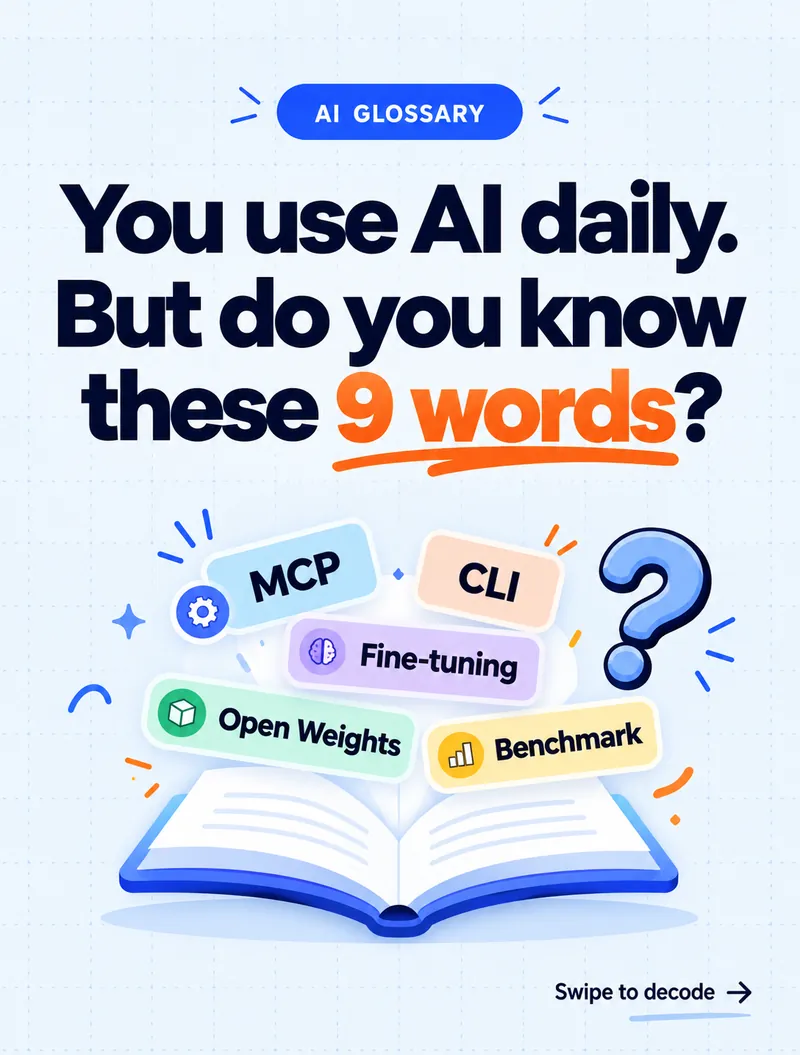
You use AI every day. But in meetings, people throw around words like MCP, open weights and fine-tuning — and most of us just nod along.
You don't need to be technical to understand AI. You just need someone to explain it simply. So here are nine of the most common AI terms, each with an everyday example.
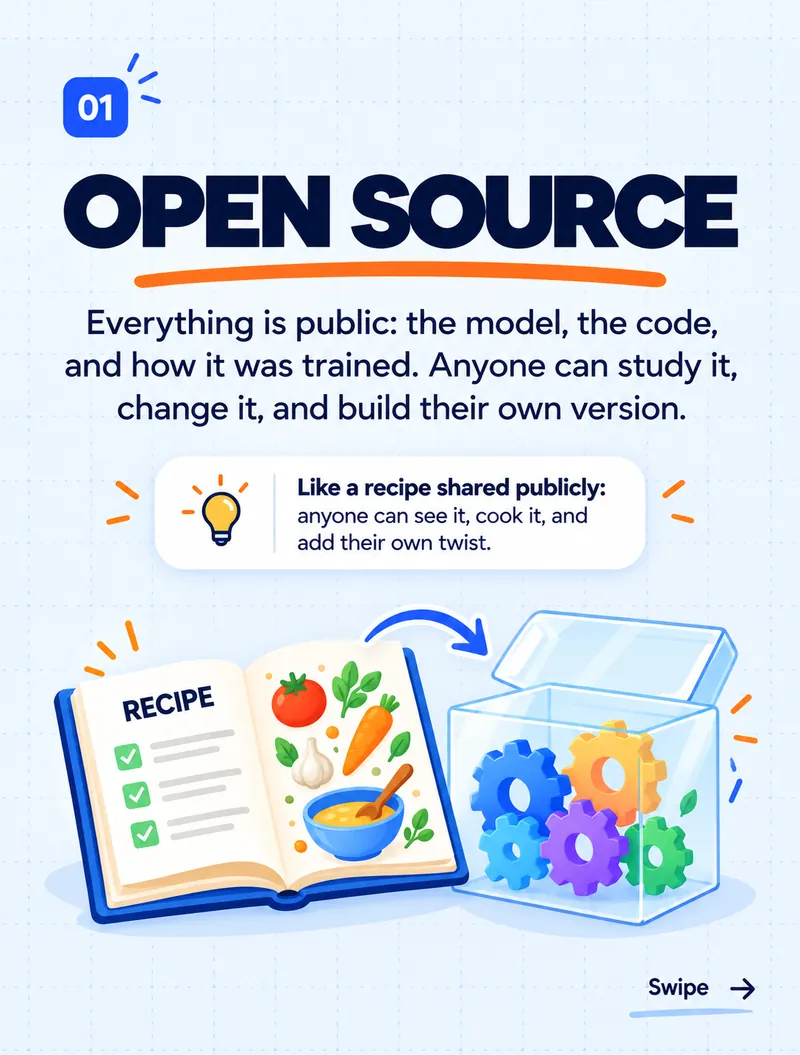
1. Open source — a recipe shared publicly
Everything is public: the model, the code, and how it was trained. Anyone can study it, change it and build their own version.
Think of it like a recipe shared publicly. Anyone can read it, cook it, and add their own twist.
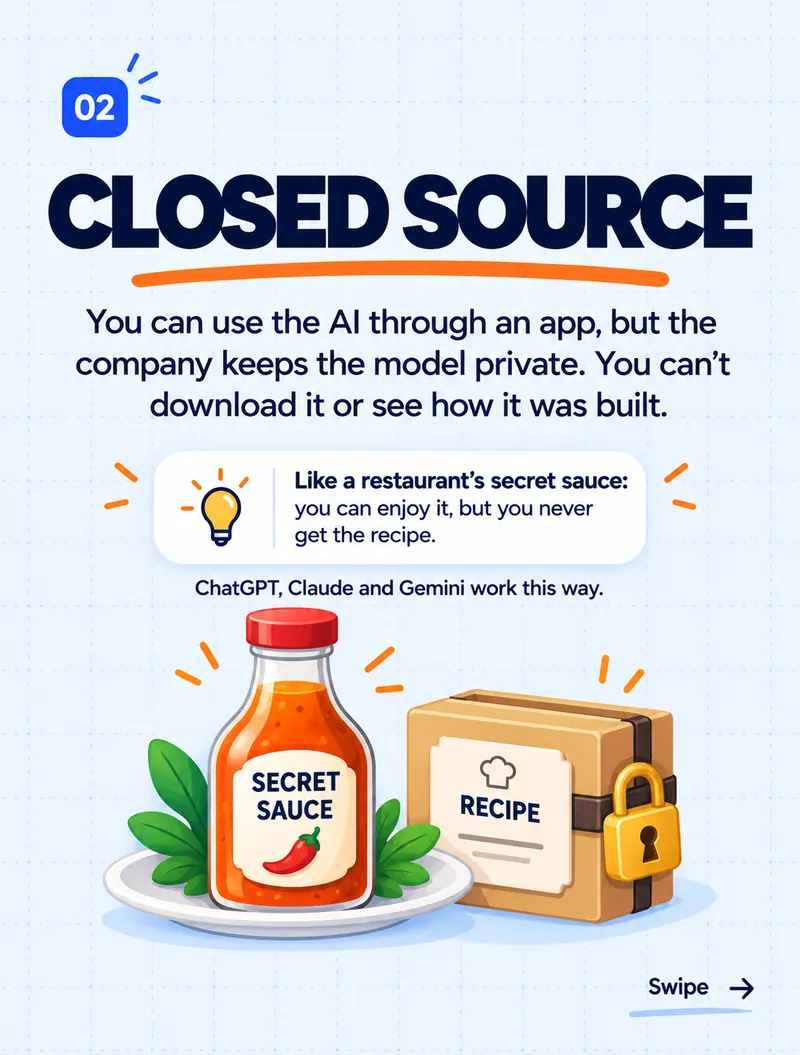
2. Closed source — a restaurant's secret sauce
You can use the AI through an app or website, but the company keeps the model private. You can't download it or see how it was built. ChatGPT, Claude and Gemini work this way.
Think of it like a restaurant's secret sauce. You can enjoy it, but you never get the recipe.
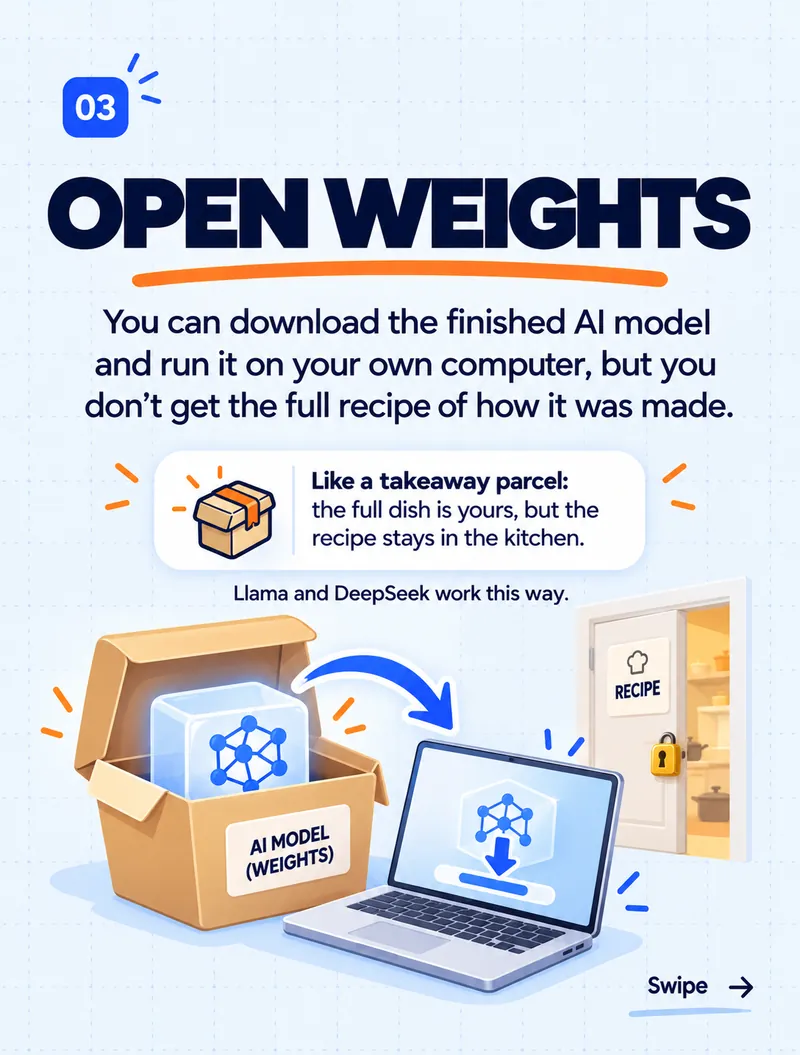
3. Open weights — a takeaway parcel, without the recipe
You can download the finished AI model and run it on your own computer or server, but you don't get the full recipe of how it was made — the training data and process stay private. Models like Llama and DeepSeek are released this way.
Think of it like a takeaway parcel. The full dish is yours, but the recipe stays in the kitchen.
This is the term people mix up most. "Open weights" is not the same as "open source": you can use and run the model, but you can't fully rebuild it.
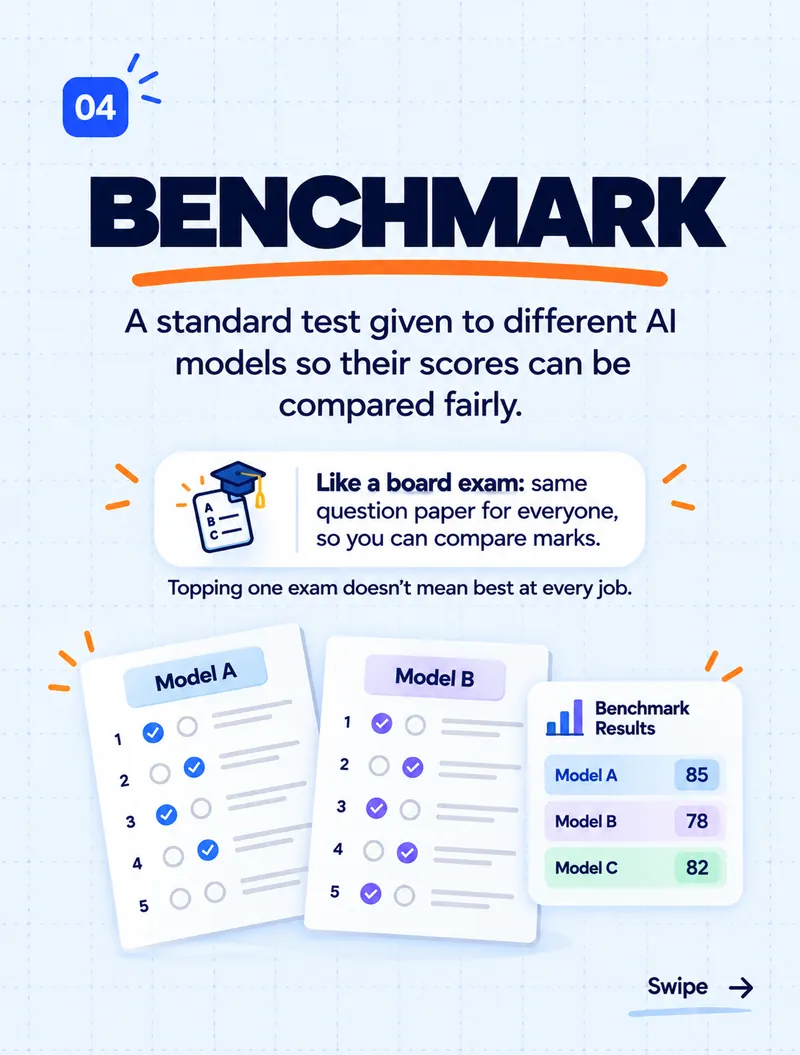
4. Benchmark — a board exam for AI
A benchmark is a standard test given to different AI models, so their scores can be compared fairly.
Think of it like a board exam: the same question paper for everyone, so you can compare marks.
One caution: topping one exam doesn't mean a model is best at every job. Always test a model on your kind of work before choosing it.
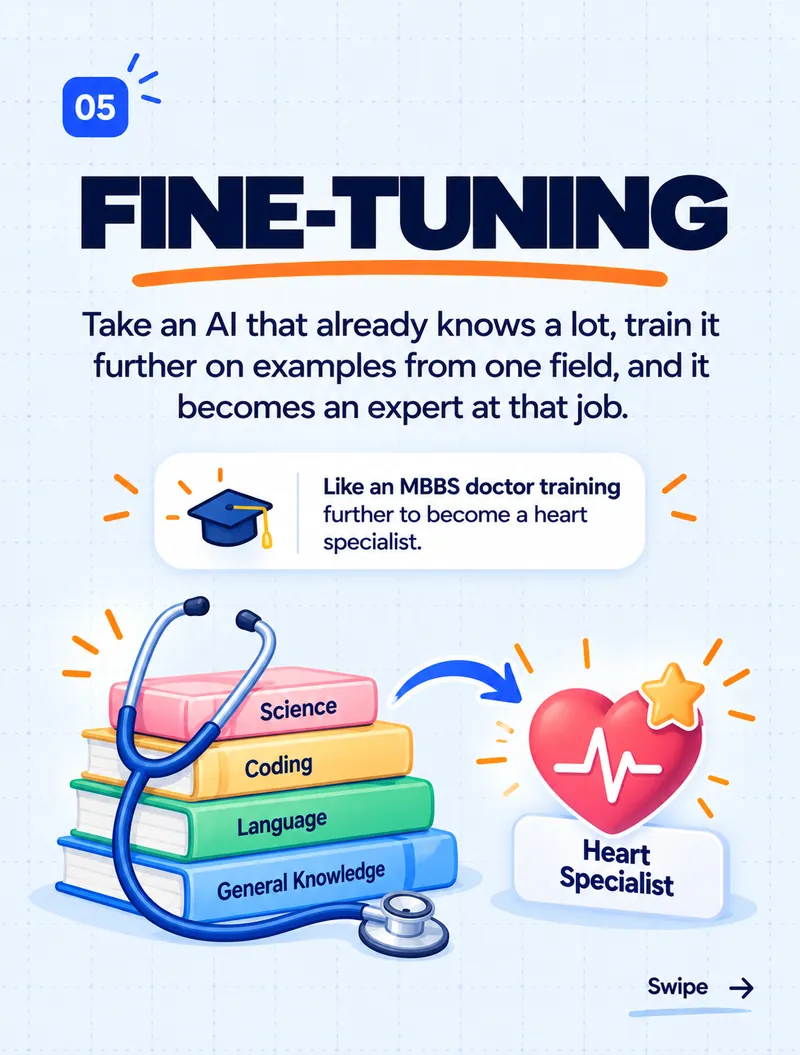
5. Fine-tuning — a doctor becoming a specialist
Fine-tuning takes an AI that already knows a lot and trains it further on examples from one field, until it becomes an expert at that job.
Think of it like an MBBS doctor training further to become a heart specialist. The general knowledge stays; the specialism is added on top.
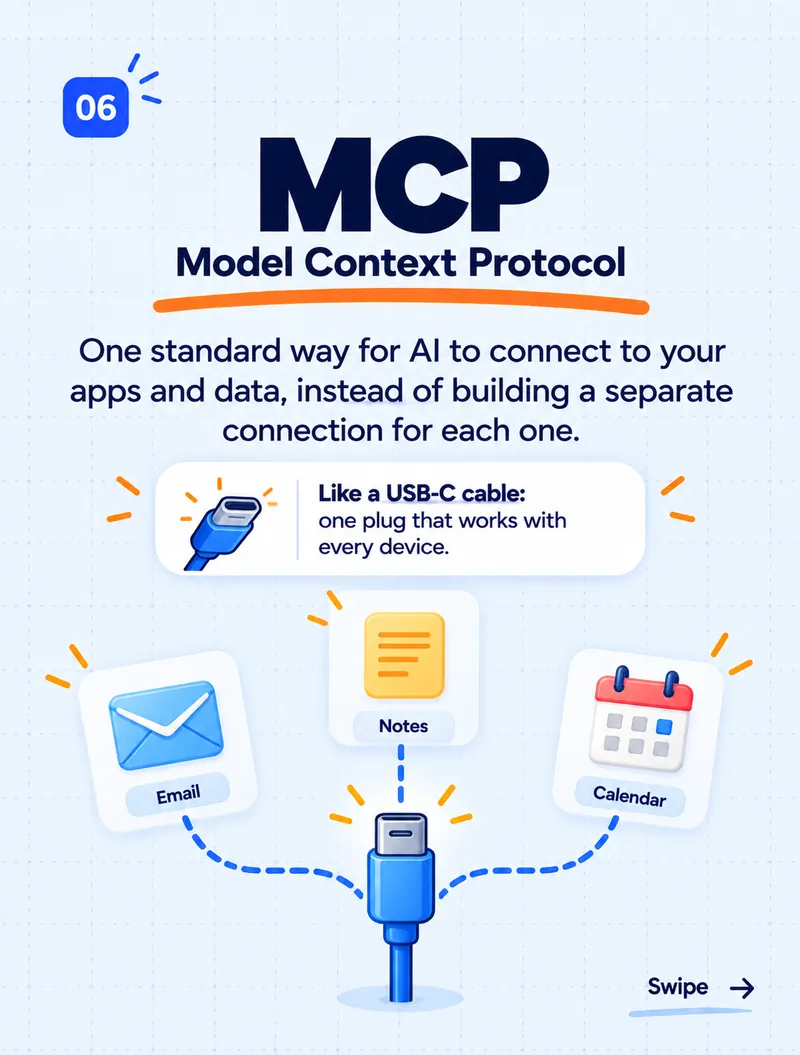
6. MCP — the USB-C cable of AI
MCP stands for Model Context Protocol. It's one standard way for AI to connect to your apps and data — email, notes, calendars, databases — instead of building a separate connection for each one.
Think of it like a USB-C cable: one plug that works with every device.
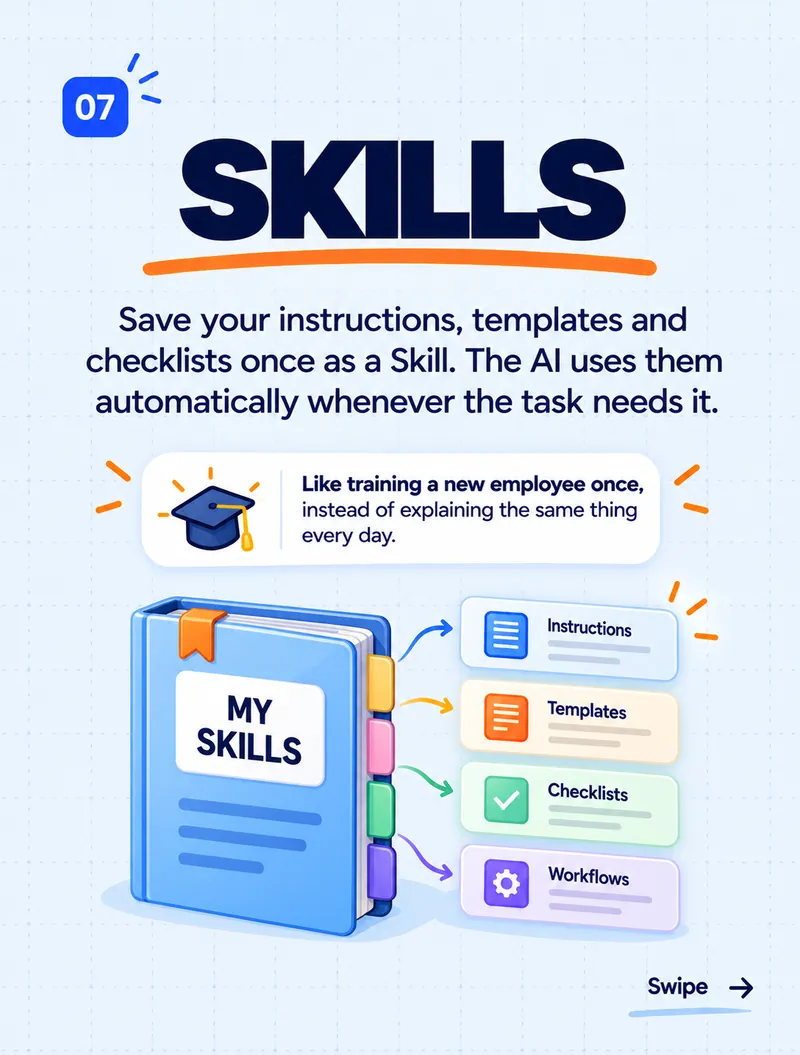
7. Skills — training a new employee once
A skill is a saved set of instructions, templates and checklists for a task. Instead of explaining the same thing in every chat, you save it once, and the AI uses it automatically whenever the task needs it.
Think of it like training a new employee once, instead of explaining the same thing every day.
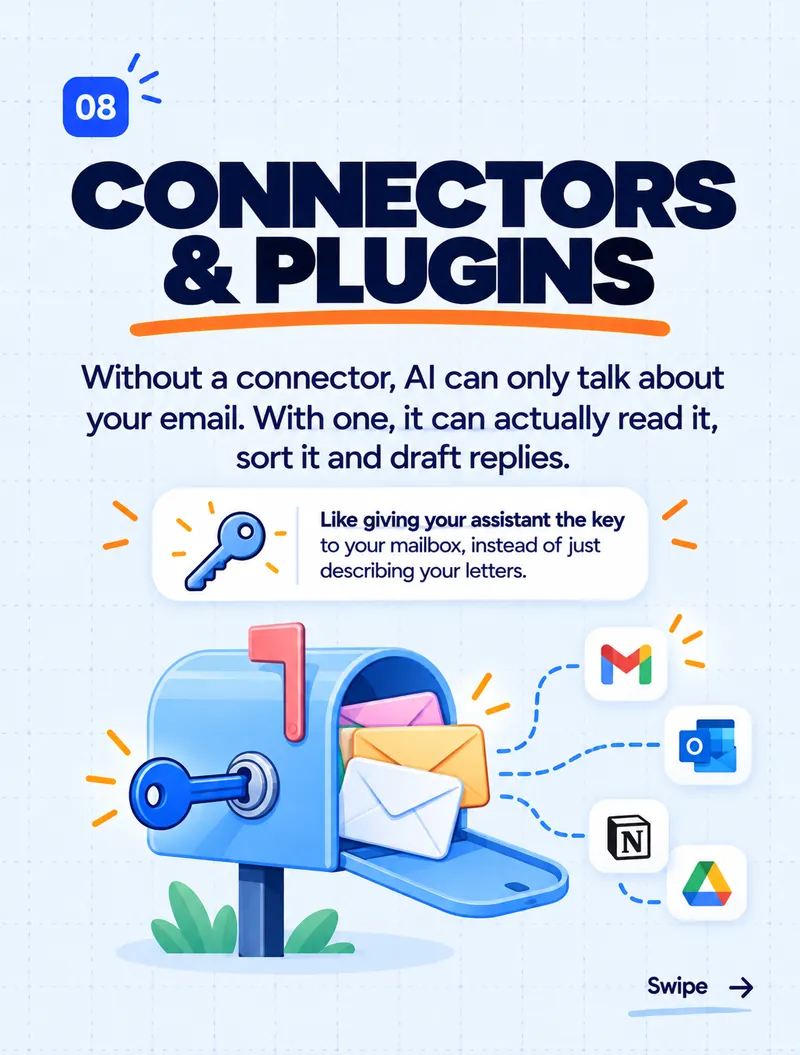
8. Connectors — giving AI the key to your mailbox
Without a connector, AI can only talk about your email. With one, it can actually read it, sort it and draft replies — with your permission. Connectors (sometimes called plugins) link AI to tools like Gmail, Outlook, Google Drive and Notion.
Think of it like giving your assistant the key to your mailbox, instead of just describing your letters.
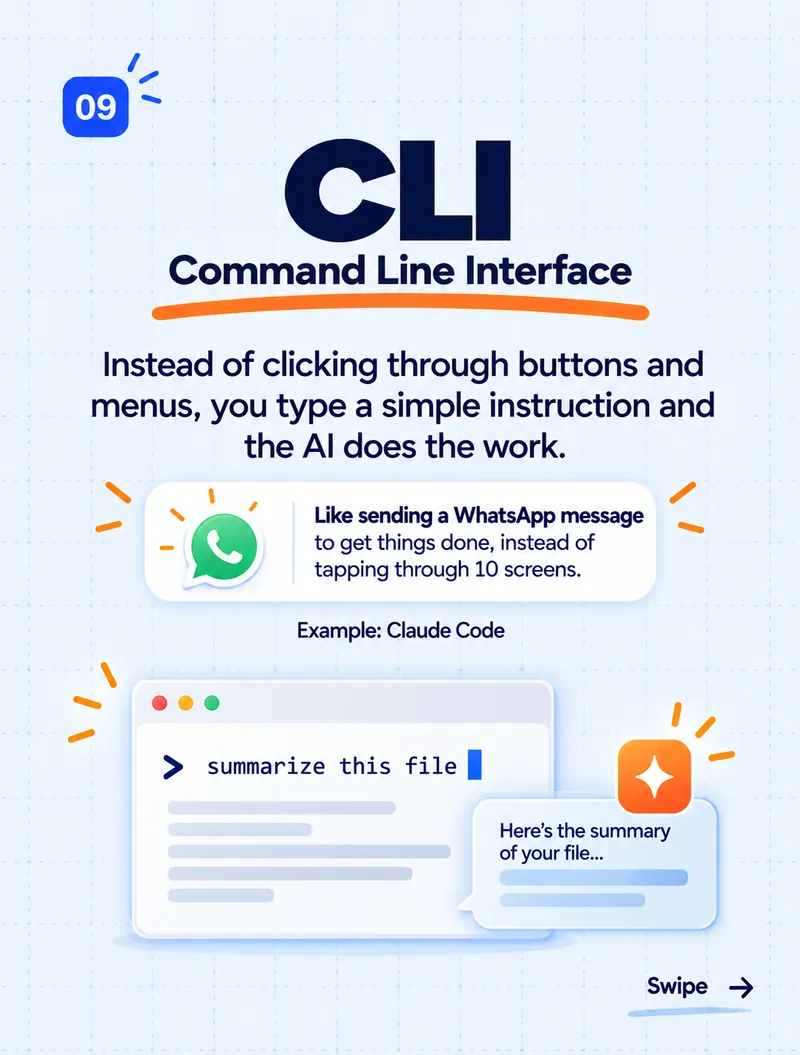
9. CLI — getting work done by typing an instruction
CLI stands for Command Line Interface. Instead of clicking through buttons and menus, you type a simple instruction and the AI does the work. Claude Code is an example: you type "summarise this file" or "fix this bug", and it does it.
Think of it like sending a WhatsApp message to get things done, instead of tapping through ten screens.
The short version
- Open source — everything is public.
- Closed source — use it, but can't see inside.
- Open weights — download and run it, but not the full recipe.
- Benchmark — a standard test to compare models.
- Fine-tuning — extra training to specialise.
- MCP — one standard plug between AI and your apps.
- Skills — saved instructions the AI reuses.
- Connectors — permission for AI to work inside your tools.
- CLI — typing instructions instead of clicking.
Which term confused you the most before this? If you want to see how these ideas show up in real work, read what an SEO toolkit for Claude Code found on our website — or ask yourself whether AI is doing your thinking for you.
Thinking about bringing AI into your business tools? Tell us what you need.