10 free, open-source alternatives to paid AI tools (with GitHub links)
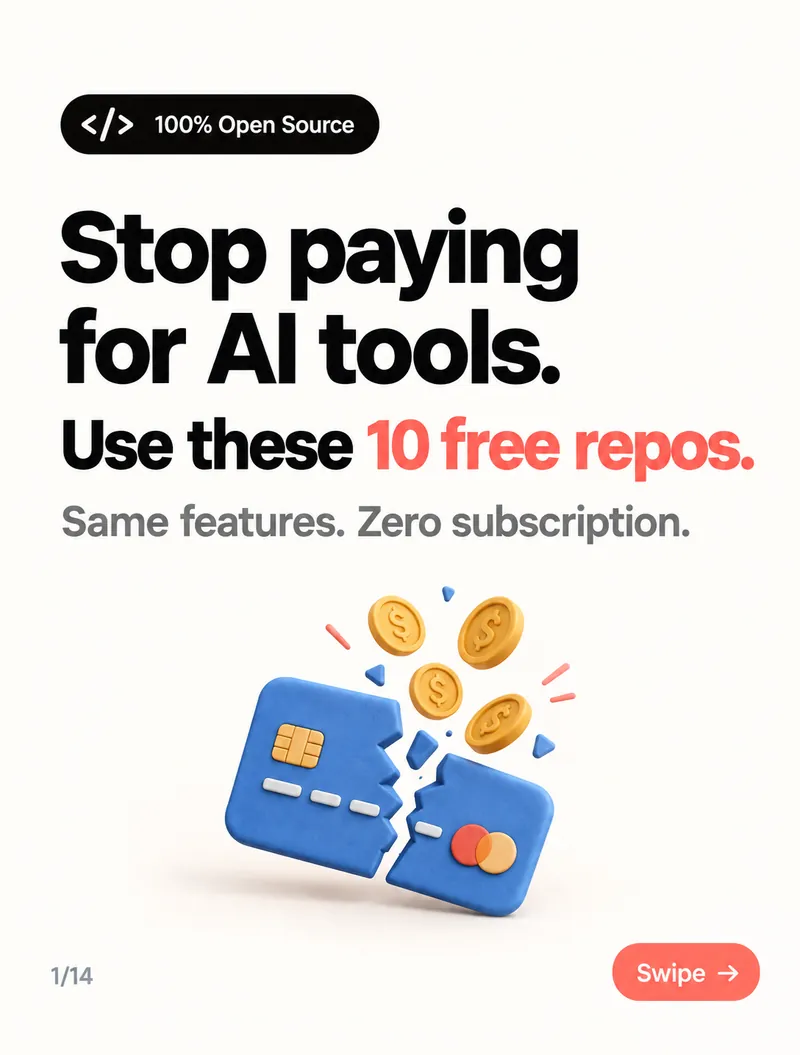
Free, open-source swaps for ElevenLabs, ChatGPT, Perplexity, Midjourney, Suno, Opus Clip, Lovable, Manus and Topaz — what each does, who it suits, and the honest trade-offs.

I was paying for 10 AI subscriptions. Voice, chat, search, images, music, video clips, app building — each one only $20–30 a month, so none of them felt expensive on its own.
Then I added them up. And then I found free, open-source versions of almost all of them on GitHub.
What the subscriptions actually cost
A typical stack — ChatGPT, Claude, Perplexity, Suno, Opus Clip and Topaz — already comes to more than $1,700 a year. Add an app builder like Lovable or an agent like Manus on a higher plan and it climbs much further.
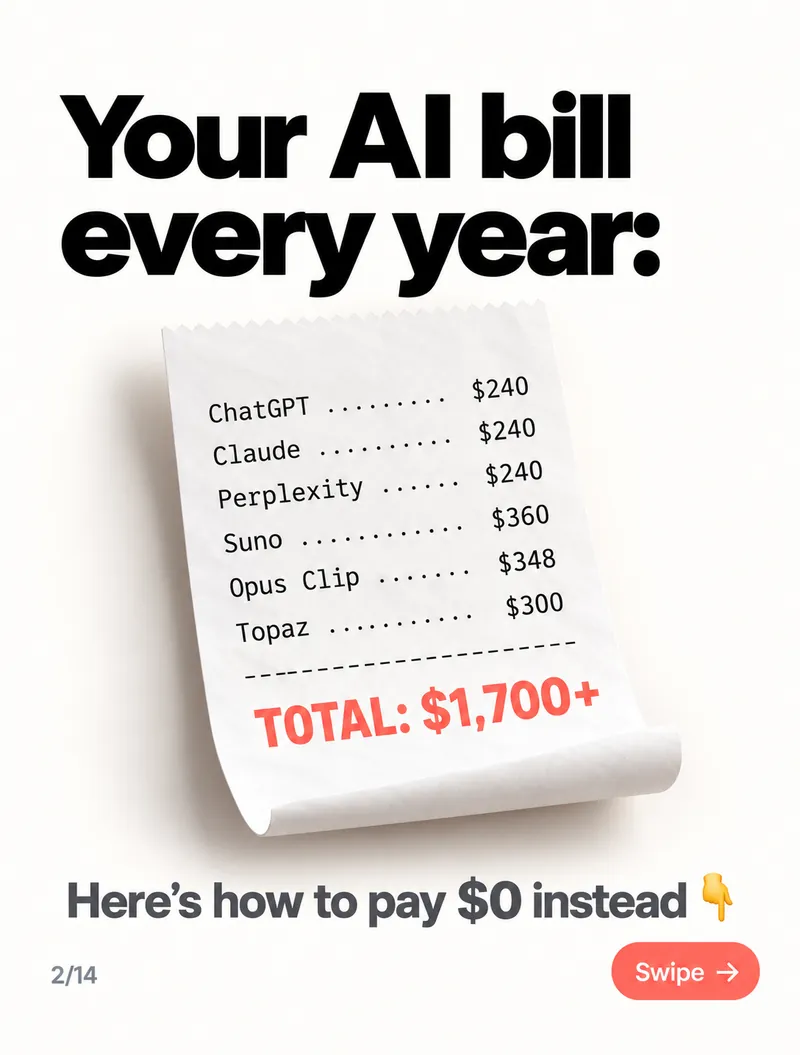
Here's the swap list. Every tool below is open source, and you can download it from GitHub today.
- ElevenLabs → Voice Studio — best for YouTubers & podcasters
- ChatGPT Plus → Odysseus — best for privacy lovers
- AI coding limits → FreeLLMAPI — best for developers
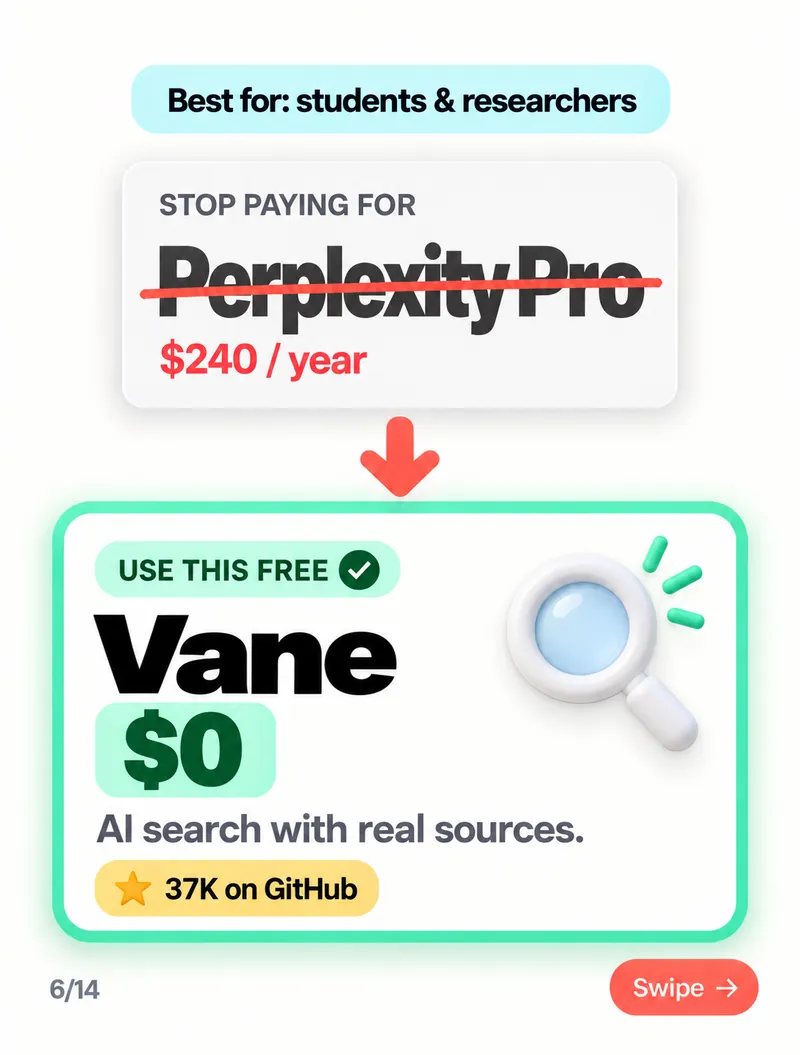
- Perplexity Pro → Vane — best for students & researchers
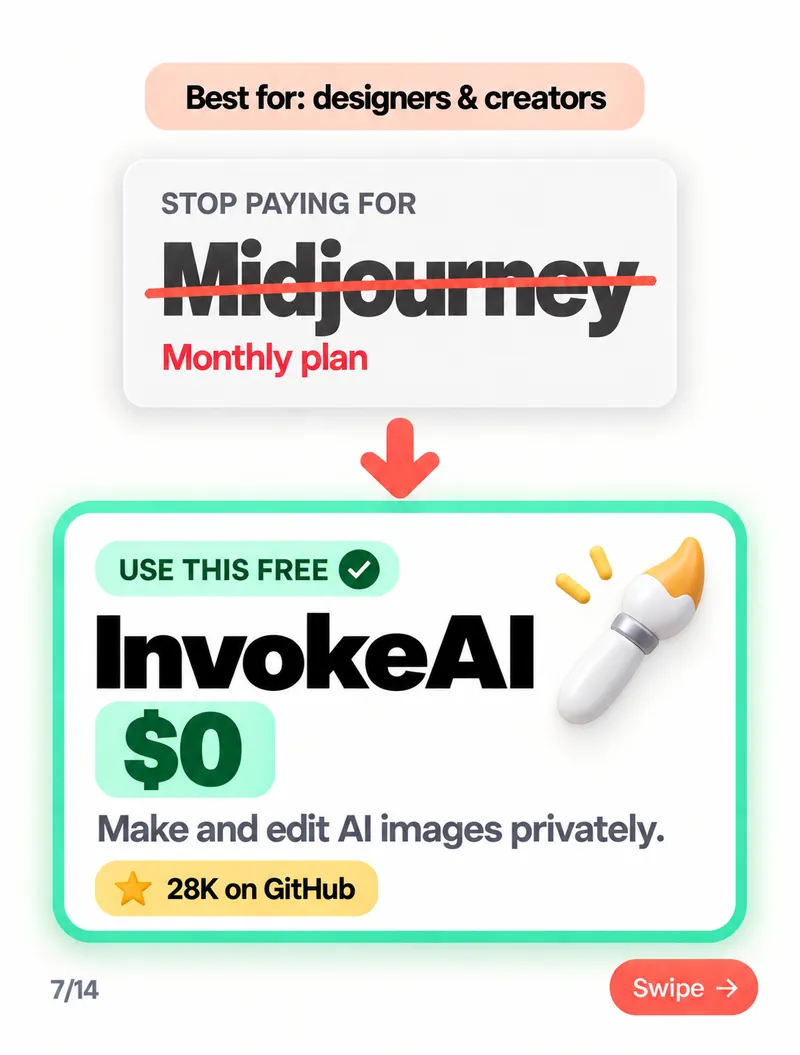
- Midjourney → InvokeAI — best for designers & creators
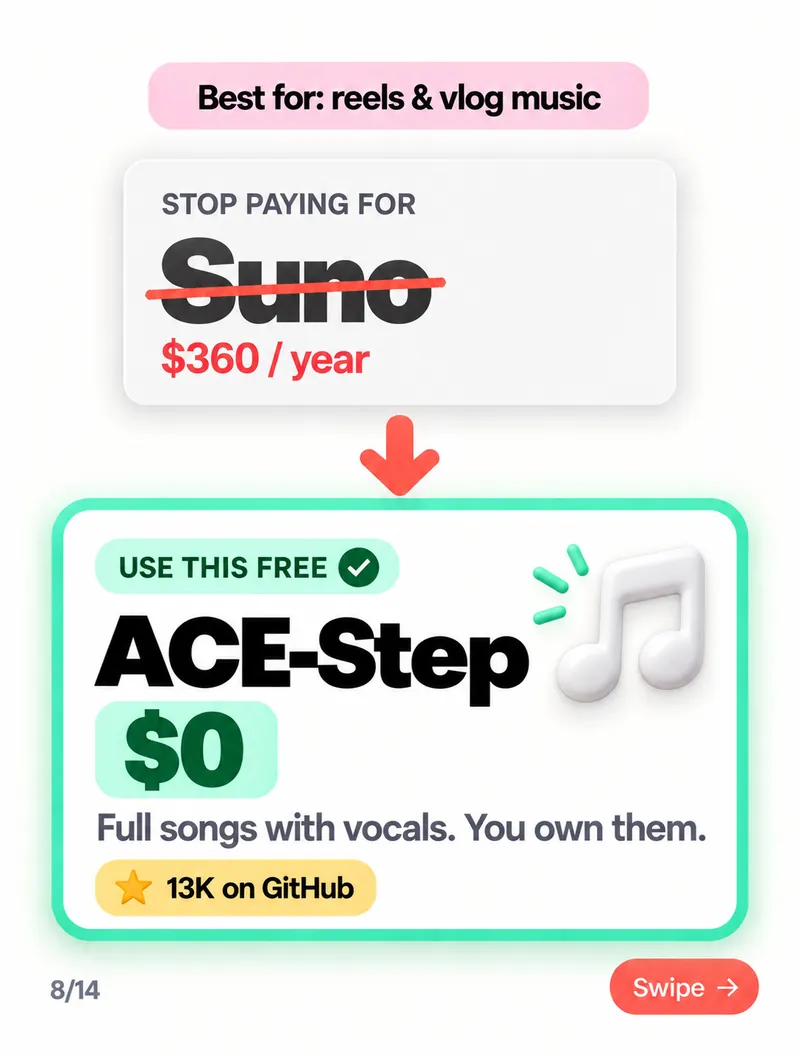
- Suno → ACE-Step — best for reels & vlog music
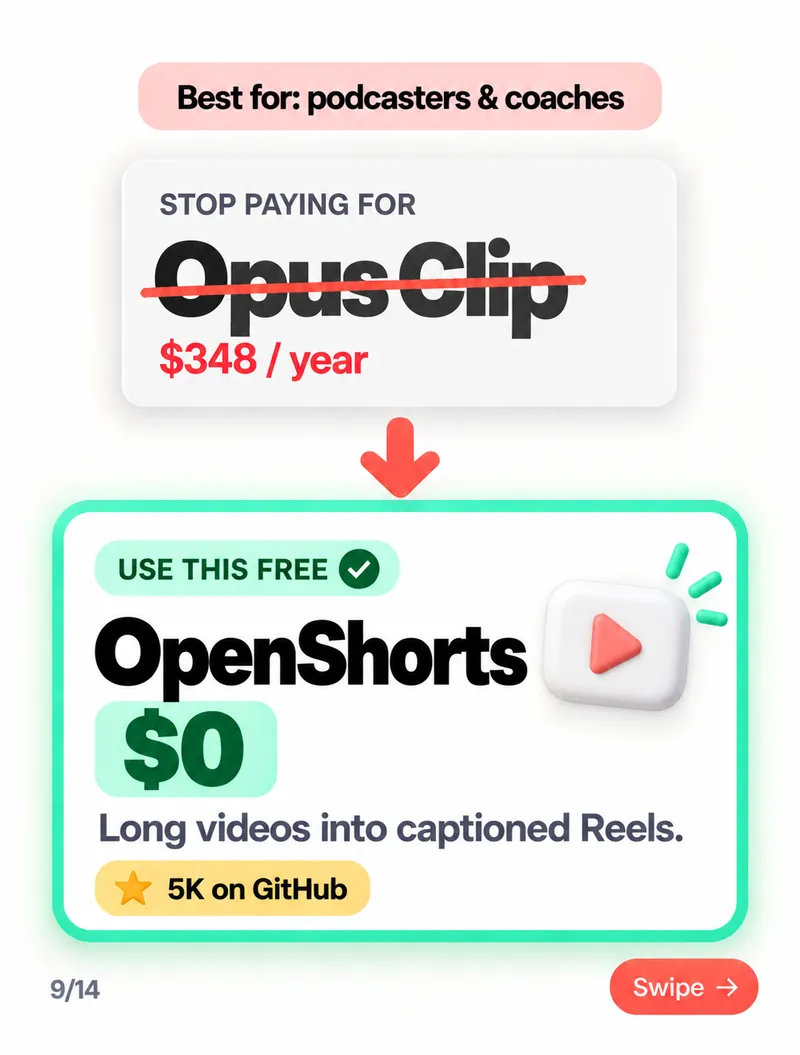
- Opus Clip → OpenShorts — best for podcasters & coaches
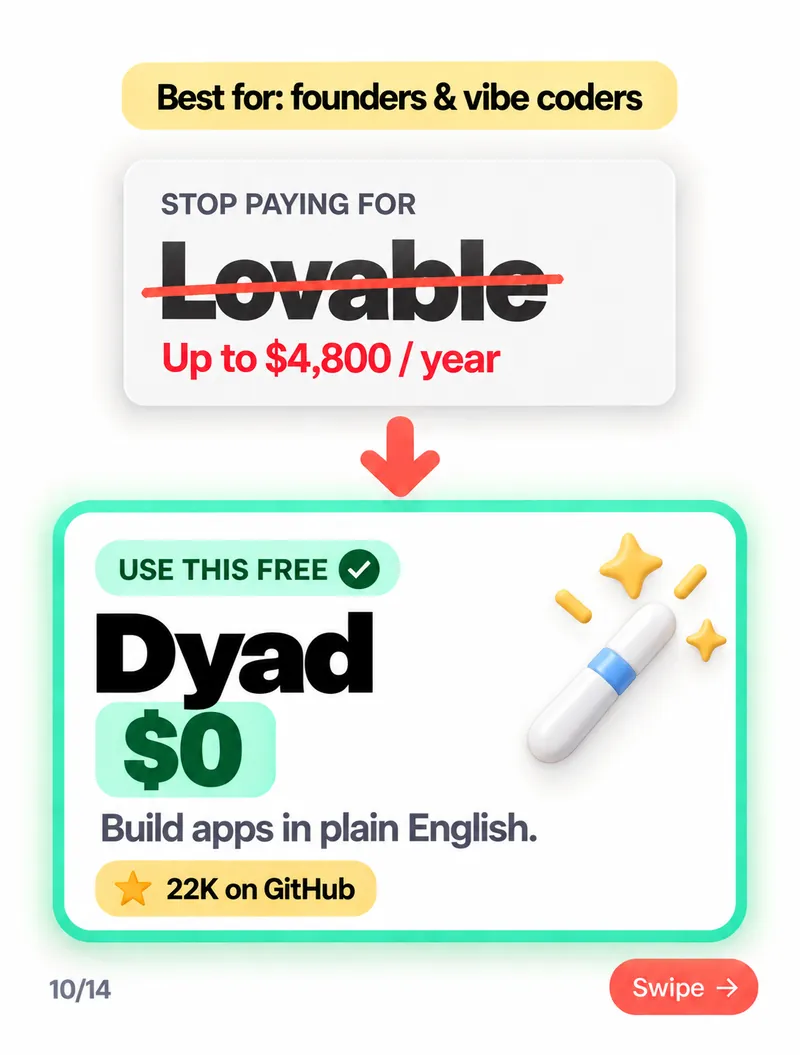
- Lovable → Dyad — best for founders & vibe coders
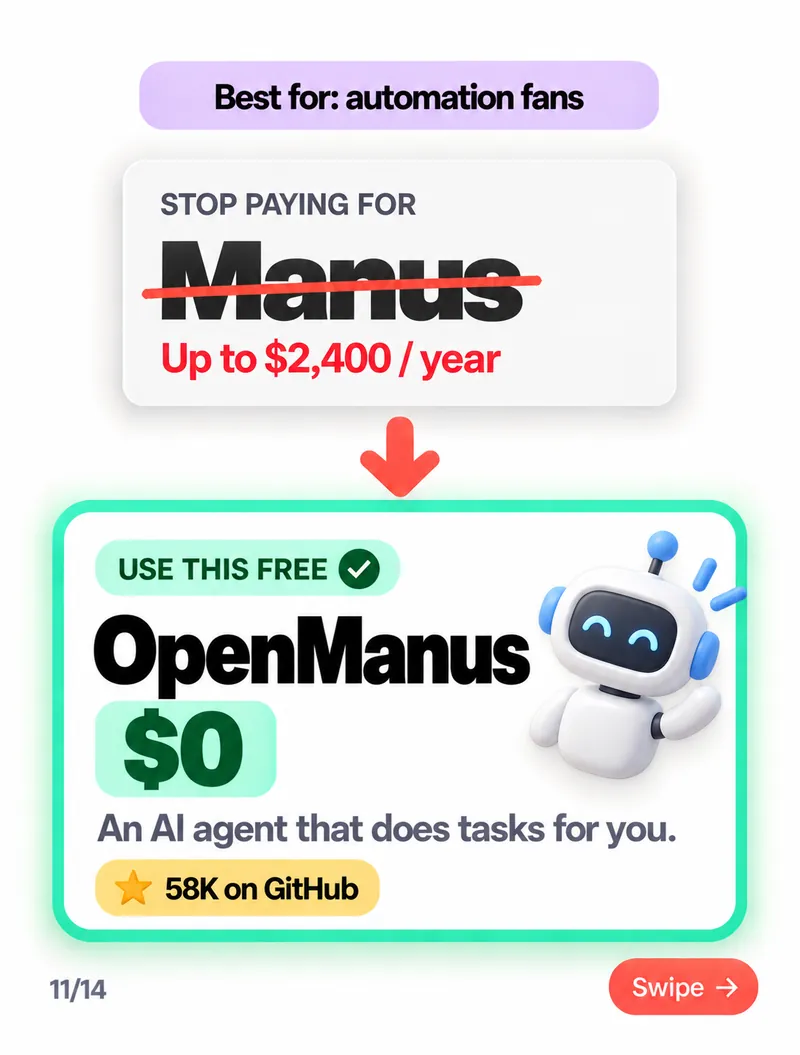
- Manus → OpenManus — best for automation fans
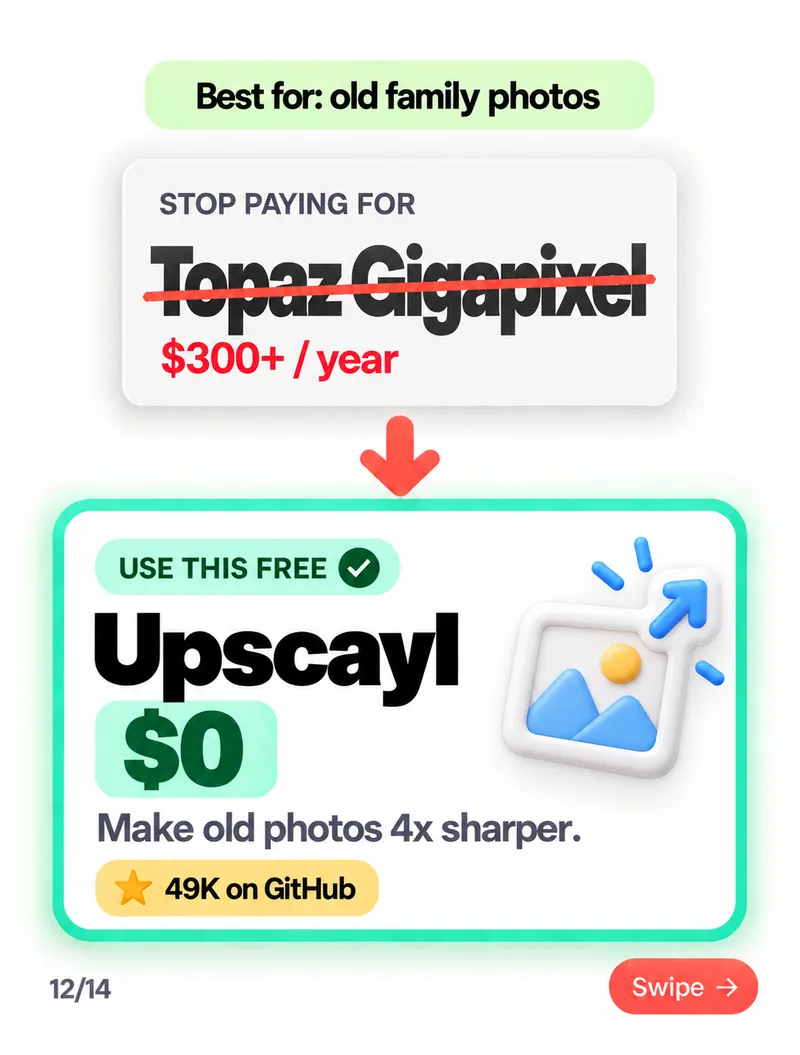
- Topaz Gigapixel → Upscayl — best for old family photos
1. ElevenLabs → Voice Studio
ElevenLabs runs on credit-based plans, so every retry of a voiceover costs you. Voice Studio runs on your own machine: clone a voice, generate narration and retry as many times as you like.
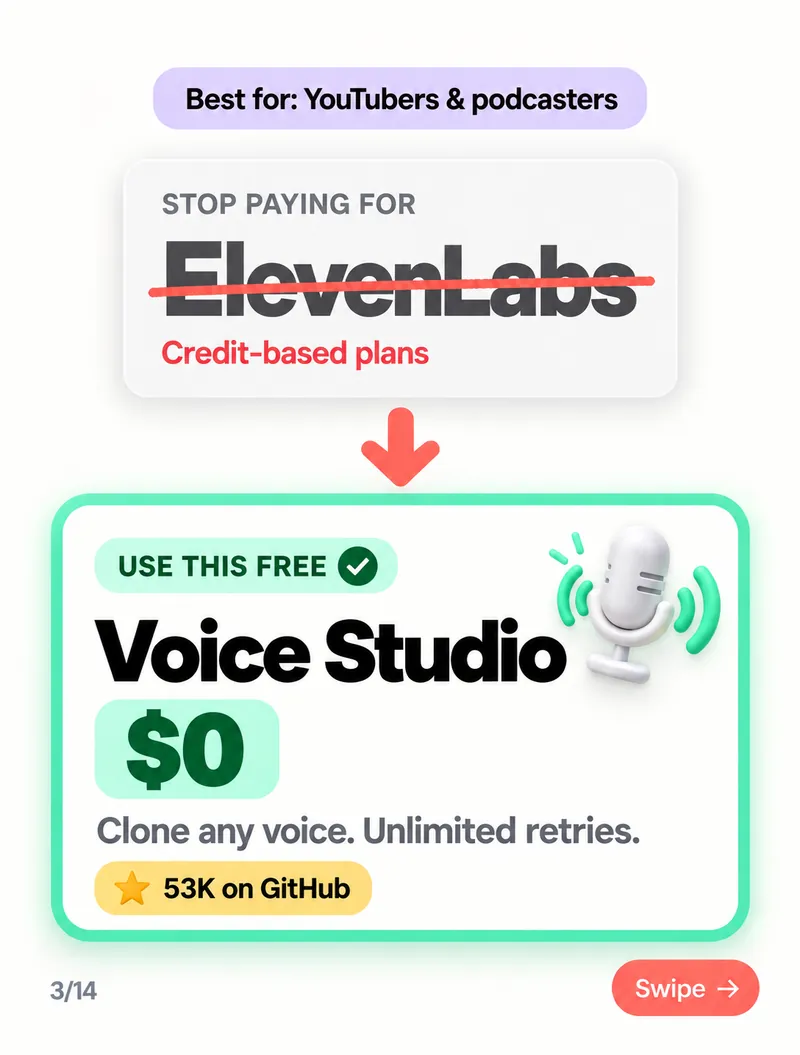
2. ChatGPT Plus → Odysseus
Odysseus is a private AI workspace on your own PC. Your chats and documents stay on your computer instead of someone else's server — useful when you work with client data you'd rather not upload.
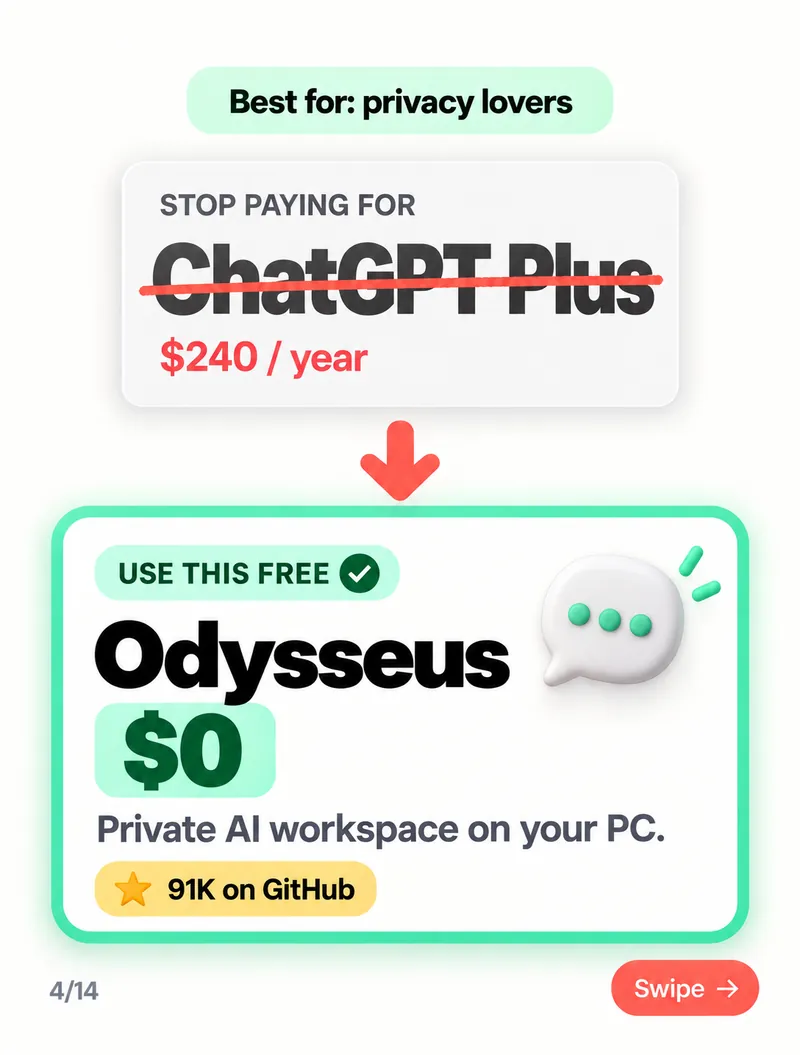
3. AI coding limits → FreeLLMAPI
If you keep hitting usage limits in coding tools, FreeLLMAPI combines the free tiers of dozens of AI providers behind one API endpoint. Point your editor or script at it, and it routes requests to whichever provider still has free capacity.
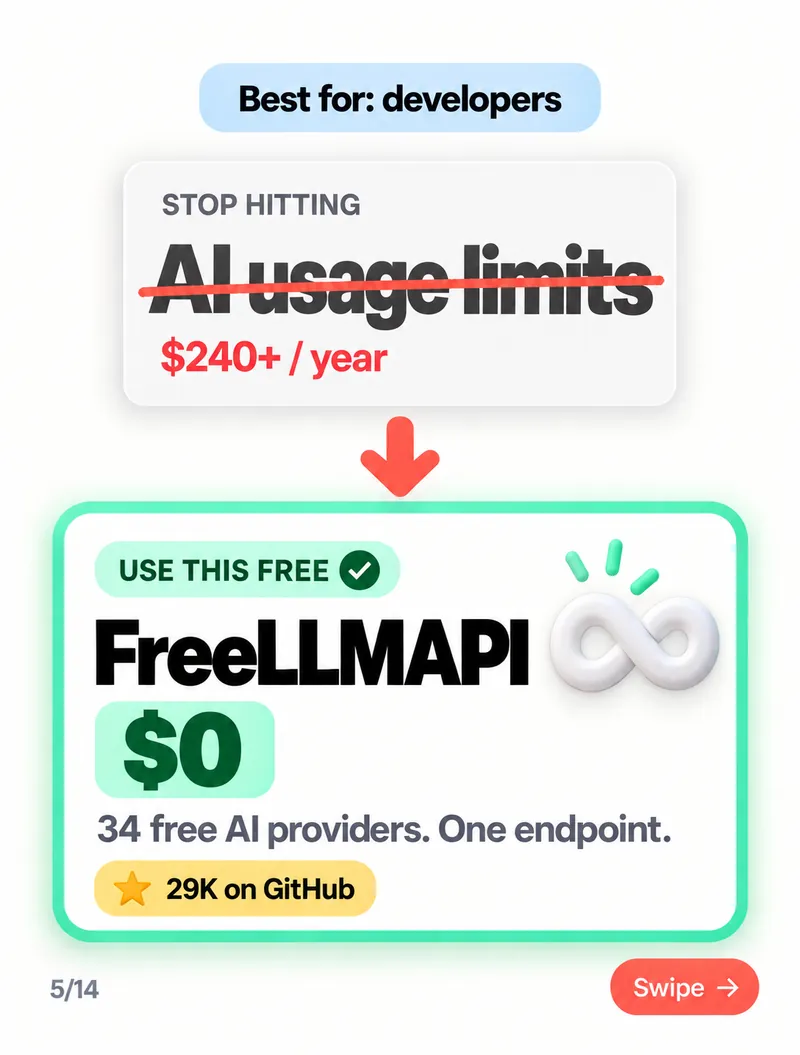
4. Perplexity Pro → Vane
Vane is an AI search engine that answers your question and shows the sources it used, so you can check them. You can host it yourself and connect it to the AI model of your choice.
5. Midjourney → InvokeAI
InvokeAI is a full creative studio for AI images: generate, edit, extend and refine pictures on a canvas. It runs locally, so your prompts and images stay private and there's no monthly plan.
6. Suno → ACE-Step
ACE-Step generates full songs with vocals from a text description. Good for background music for Reels, vlogs and ads — and the tracks you generate are yours.
7. Opus Clip → OpenShorts
OpenShorts turns long videos — podcasts, webinars, talks — into short vertical clips with captions, ready for Reels, Shorts and TikTok.
8. Lovable → Dyad
Dyad lets you build apps by describing them in plain English, like Lovable — but it runs on your computer, works with the AI model you choose, and the code lives in your own folder.
9. Manus → OpenManus
OpenManus is an AI agent that carries out multi-step tasks for you — browsing, researching, writing files and running code — instead of only answering questions.
10. Topaz Gigapixel → Upscayl
Upscayl is a simple desktop app that makes images up to 4× larger and sharper. Drop in an old family photo or a low-resolution product shot and let it fill in the detail. It's the easiest tool on this list to install.
Why open source matters here
- No monthly bills or credit limits — you pay once, in setup time, not every month.
- Your data stays on your computer — voices, photos, documents and prompts never leave your machine unless you choose.
- The code is open — you can change it to fit your needs, or keep using it even if the project stops. (New to the terms? See open source vs open weights, explained simply.)
The honest part
Free doesn't mean zero effort. Before you cancel anything:
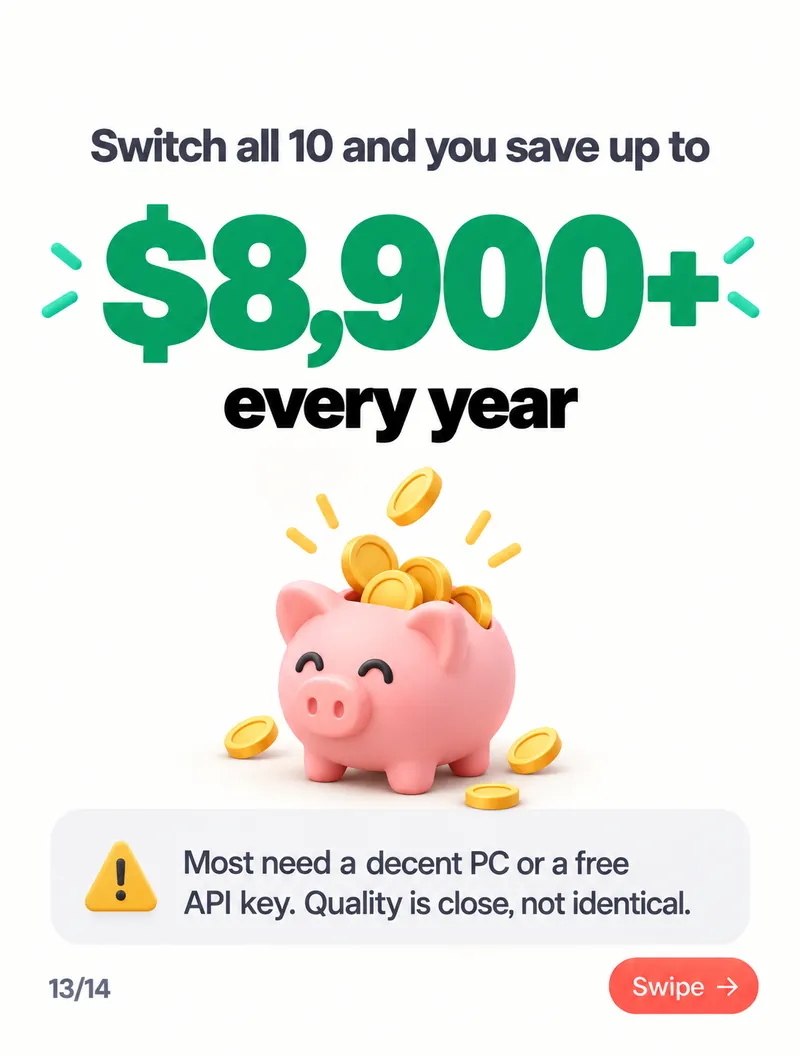
- You need a decent computer. Image, voice, music and video tools run best on a modern GPU or an Apple Silicon Mac. On an older laptop they can be slow.
- Some need a free API key. Tools like Odysseus, Vane, Dyad and OpenManus connect to an AI model — either one running on your PC or a provider's free tier.
- Quality is close, not identical. The paid tools are often more polished and a step ahead on the hardest tasks. For everyday work, the free versions are more than enough.
- Setup takes some time. Some are one-click desktop apps (Upscayl, Dyad); others need Python or Docker. Follow the README on each GitHub page.
My suggestion: don't swap everything at once. Pick the one subscription you use least, try its free alternative for a week, and cancel only if it covers what you need.
Want AI built into your business?
At Bitlence we build websites, custom software and automations — including AI features that run on tools you control. See our web development services, or tell us what you want to automate and we'll suggest the simplest setup that works.