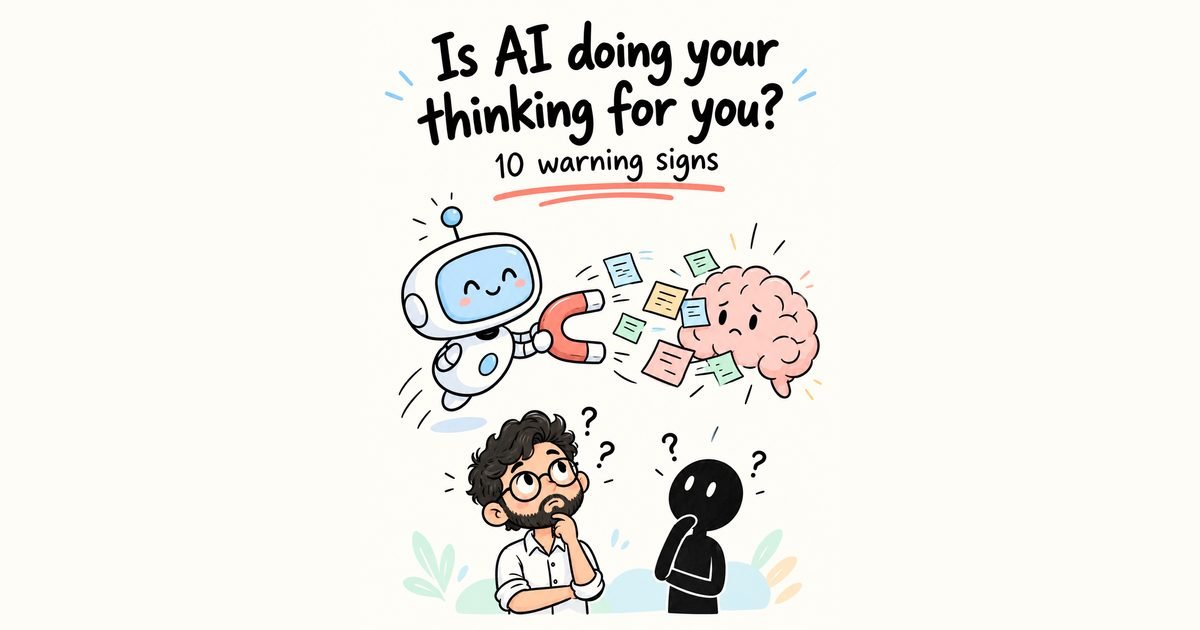
The 5 levels of AI coding — stop prompting, start delegating
From one giant prompt in Lovable to delegating whole tasks to Claude Code agents — the five levels of building with AI, what each gets wrong, and how to move up.

I turned AI coding into a video game.
After watching a lot of people build with AI — clients, friends, junior developers, and myself a year ago — I noticed everyone falls into one of five levels. And most people are still stuck at Level 1.
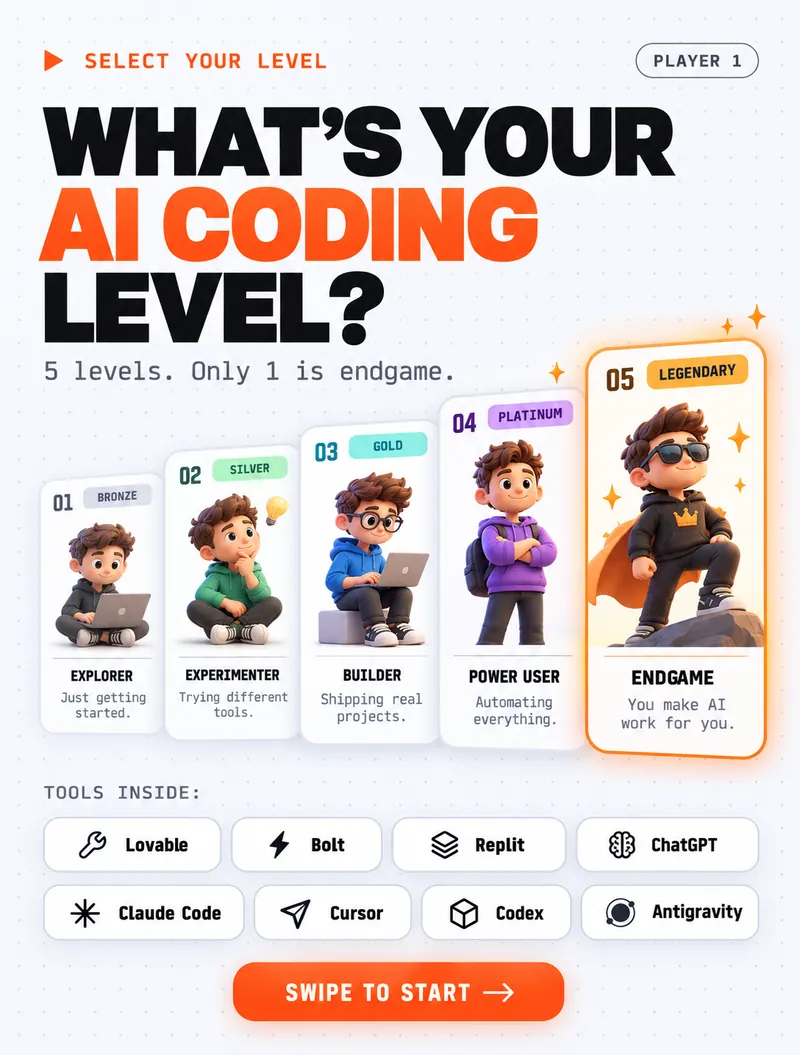
The surprising part: the jump from Level 1 to Level 5 isn't about finding a better tool. People at Level 1 and Level 5 often use the same AI model. What changes is how they work with it.
Level 01 — The Button Masher
Types. Hits enter. Hopes.
The Button Masher writes one giant prompt in Lovable, Bolt, Replit or v0 — "build me a SaaS dashboard with login, payments and analytics" — hits enter, and hopes. The first result looks impressive. Then the navbar breaks on mobile, the login doesn't save anyone, and every "fix it" prompt breaks something else.
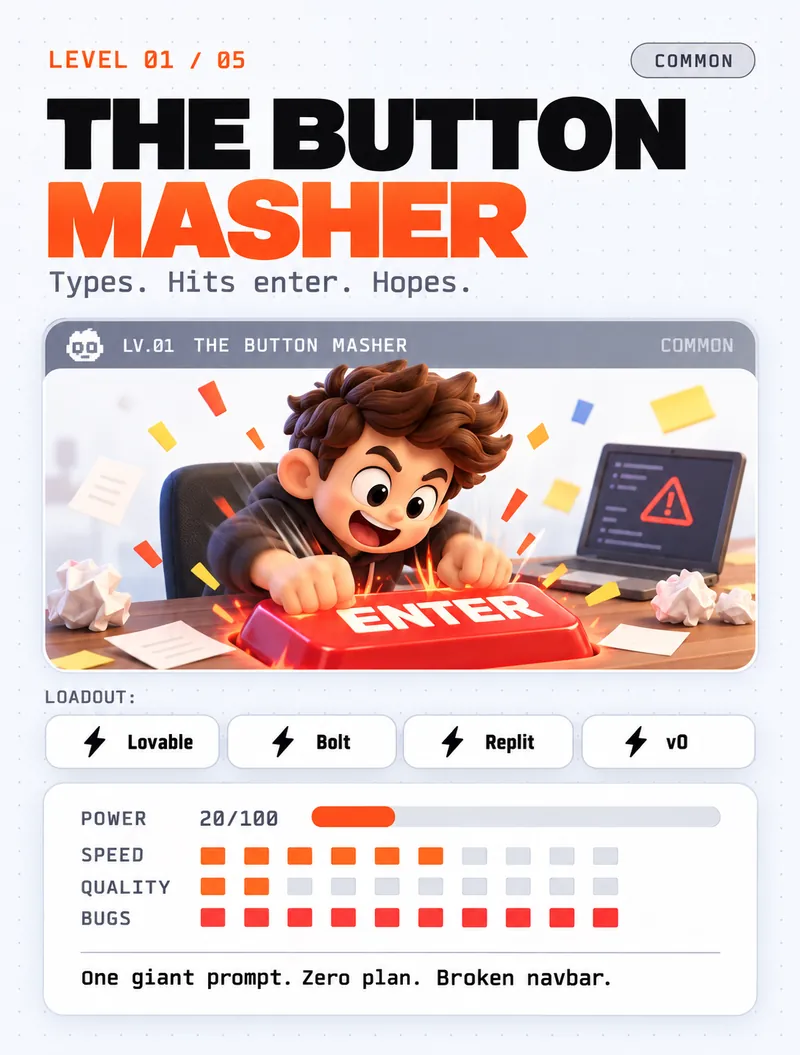
What goes wrong: the AI has to guess hundreds of decisions you never made. It guesses differently each time, so the app drifts.
How to level up: before you prompt, write down what the thing must do in five bullet points. Build one bullet at a time.
Level 02 — The Doc Hoarder
Plans everything. Ships nothing.
The Doc Hoarder discovers specs. They ask ChatGPT or Claude to write a 14-page requirements document, save it as spec_FINAL_final_v9.doc, hand it to the AI builder… and never check the result against it again.
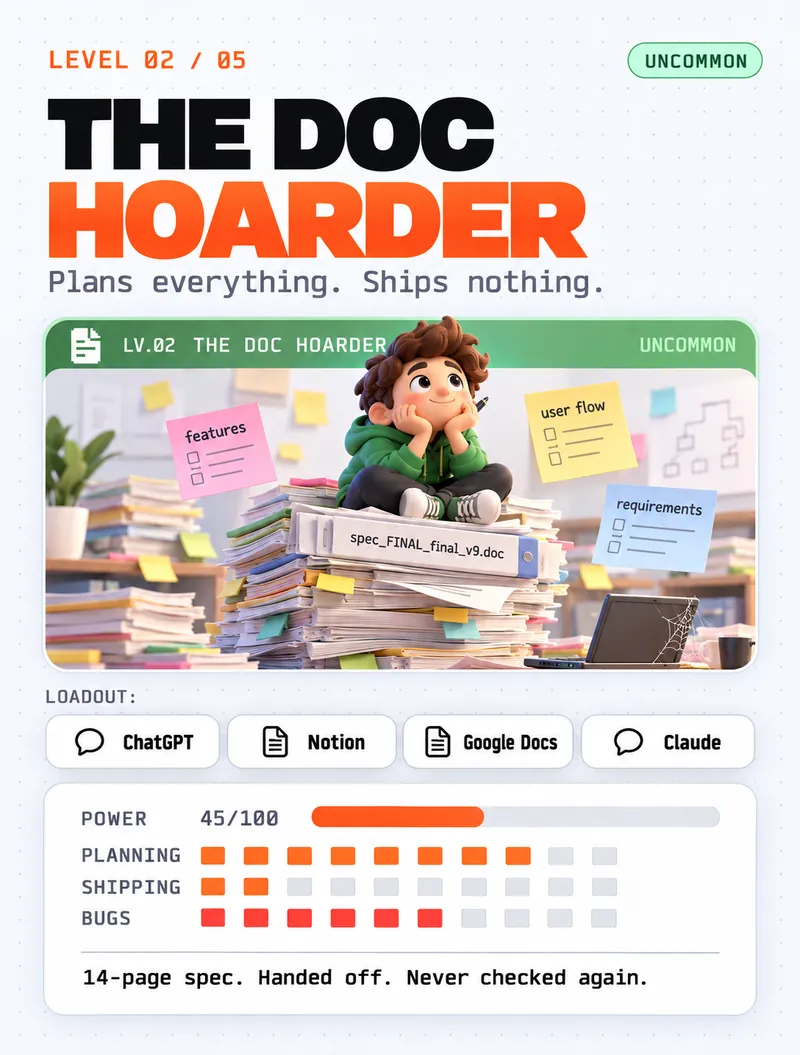
What goes wrong: a long spec feels like progress, but nobody (human or AI) reads 14 pages carefully. The document and the code quietly drift apart.
How to level up: keep the spec short and treat it as a checklist. After each feature, go back and tick off what actually works.
Level 03 — The Blueprint Thinker
Thinks about what breaks before building.
This is where things start to click. The Blueprint Thinker asks "what can break?" before writing a line: What happens when the API is down? When a user double-clicks Pay? When the form is empty? They sketch the architecture — user → app → API → data — and plan error handling, retries, logs and backups up front.
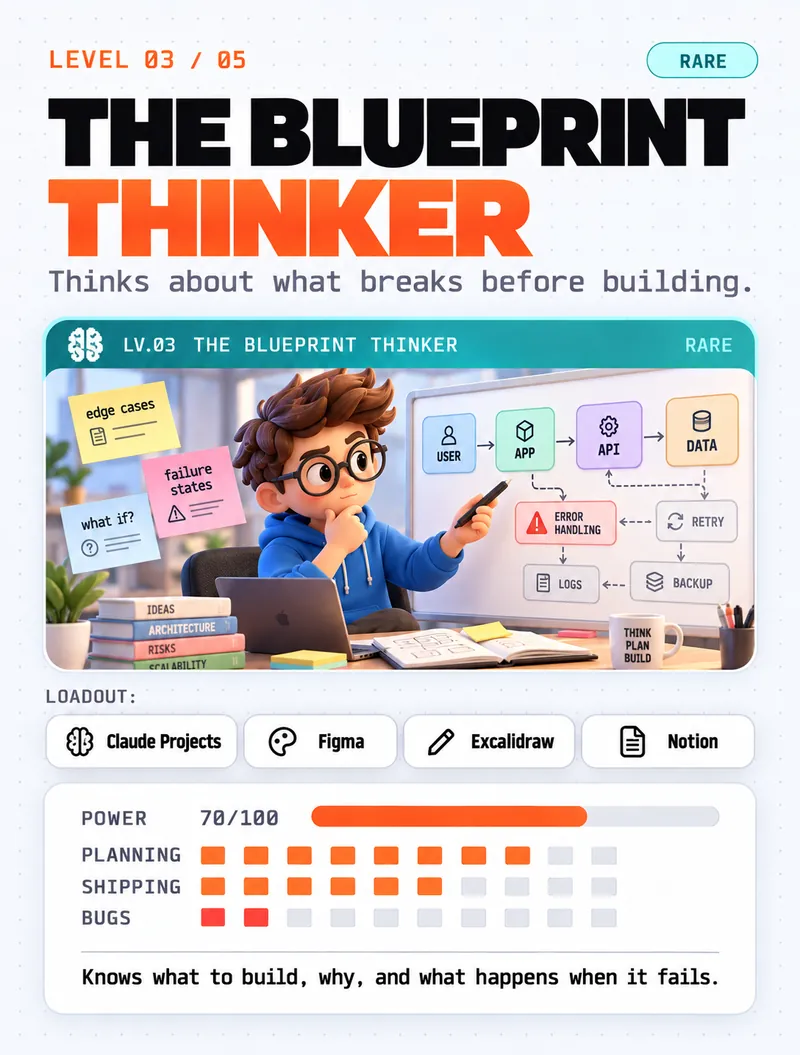
What goes right: the AI gets clear decisions instead of guesses, so the code is far more stable.
How to level up: move from chat windows into tools that can see and change your real project.
Level 04 — The Terminal Native
Real tools. Real workflow. Real docs.
The Terminal Native builds inside real development tools — Claude Code, Cursor, Codex, Antigravity — that read the whole codebase, run commands and edit files directly. Their loop is simple: read context → build → run tests → update docs → ship.
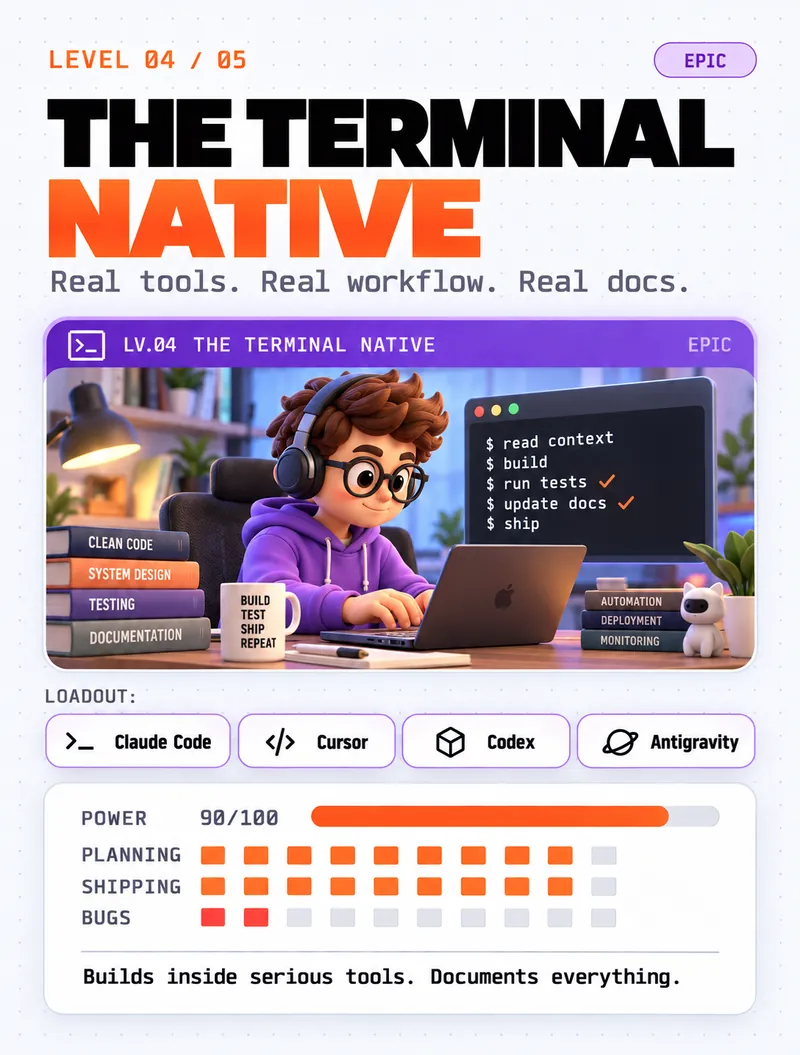
What goes right: the AI works on the real code, not a pasted snippet. Project notes (like a CLAUDE.md file) give it lasting context, and tests catch mistakes before users do.
How to level up: stop giving step-by-step instructions. Start giving goals.
Level 05 — The AI Manager
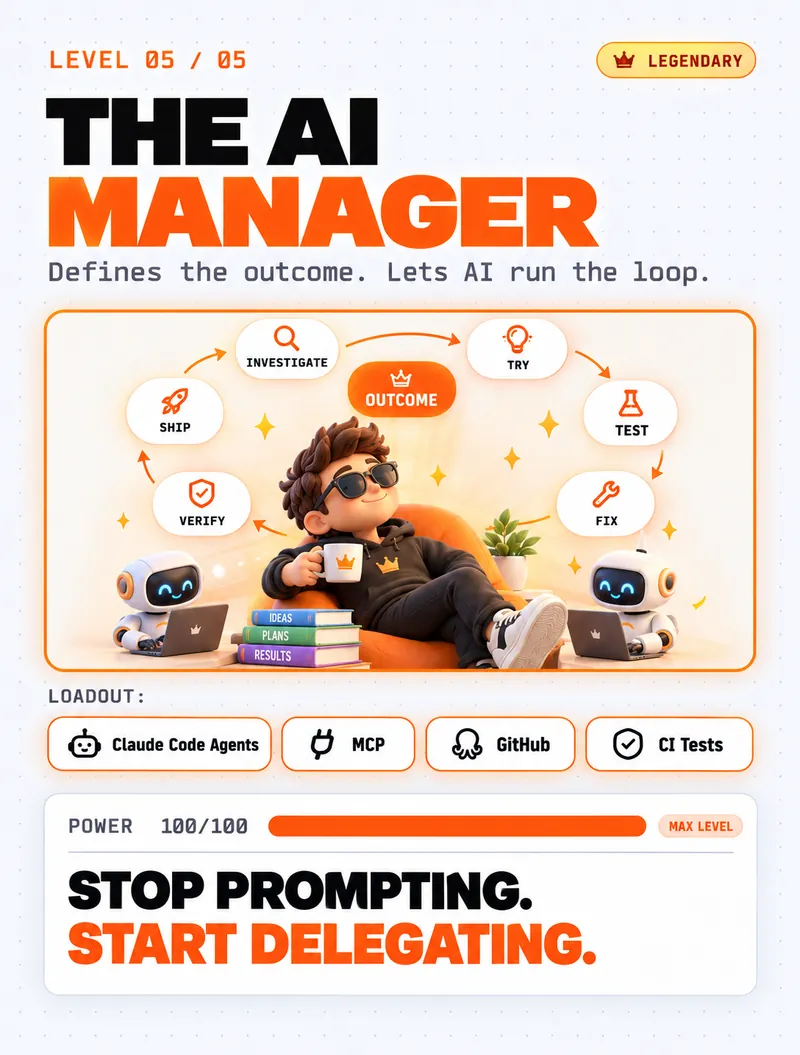
Defines the outcome. Lets AI run the loop.
The AI Manager doesn't say "open this file, change line 40, then run this command". They say what done looks like — and let the AI investigate, try, test, fix, verify and ship on its own. Agents, MCP connections to real tools, GitHub and CI tests do the heavy lifting; the human reviews the result.
Here's the difference in practice:
- Level 1 prompt: "Make the contact form work."
- Level 5 brief: "Visitors should be able to send the contact form and land on the thank-you page. Done means: the form submits on mobile and desktop, empty fields show an error, and the test passes. Check it in a real browser before you tell me it's finished."
The second one is longer to write, but it's the last message you need to send. The AI knows the goal, the edge cases and how to prove it worked.
The mindset shift
Moving up isn't about a better tool. It's three shifts:
- From giving instructions to defining outcomes — describe the finish line, not every step.
- From prompting to delegating — hand over whole tasks, the way you would to a good teammate.
- From hoping it works to verifying it works — tests, real-browser checks and reviews, every time.
A good manager doesn't micromanage, and doesn't skip the review either. The same is true with AI. (If you're worried this means switching your brain off — it's the opposite. I wrote about that in is AI doing your thinking?)
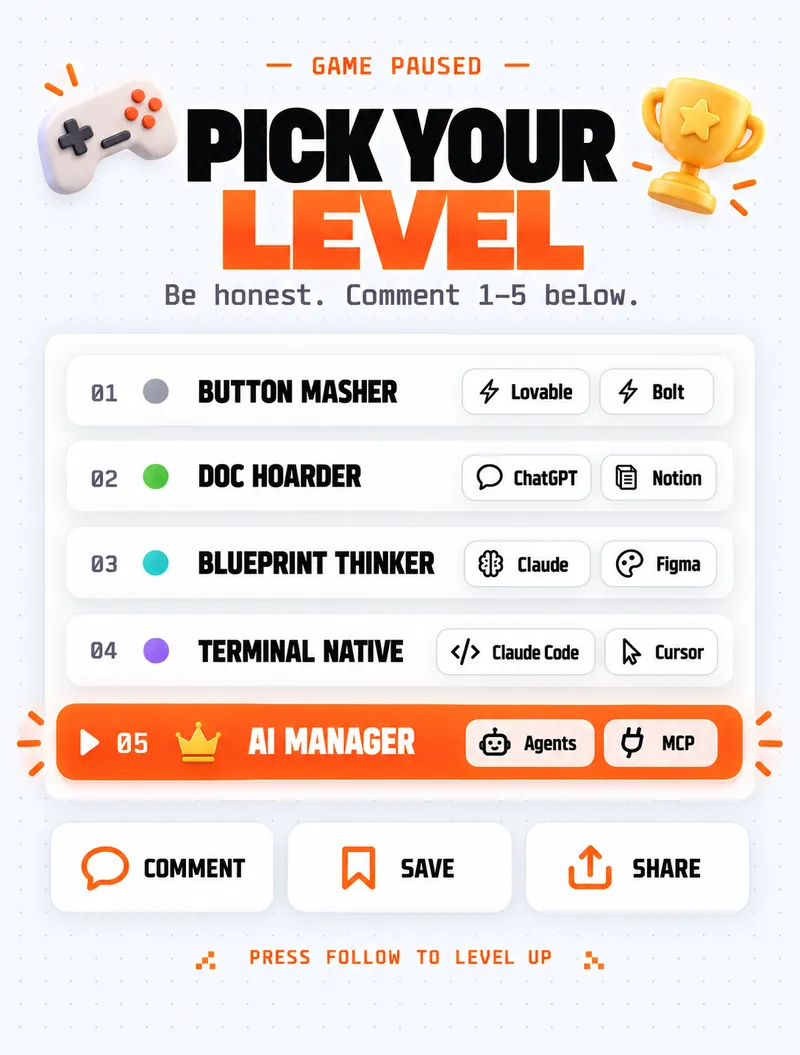
So, which level are you?
Be honest. Most people reading this are at Level 1 or 2 — and that's fine. You don't need to jump straight to Level 5. Take the "how to level up" tip from your current level and use it on your next project.
Stop prompting. Start delegating.
Want it built by a team already at Level 5?
At Bitlence we build websites, custom software and automations with AI in our daily workflow — with real testing and human review before anything ships. See our web development services, or tell us what you want to build.