Your website is live. Who's maintaining it?
Ignored updates, overnight hacking attempts, crashes with no backup, unnoticed downtime. What happens when a website isn't maintained, and what care looks like.

Building a website is easier than ever. AI tools, templates and page builders have made the first part much faster.
But getting the website live is only the beginning. WordPress and its plugins release updates every week, and someone still needs to:
- Keep WordPress, the theme and plugins updated
- Monitor security
- Keep backups working
- Make sure the site stays online
- Fix things when they break
- Test changes so they don't create new problems
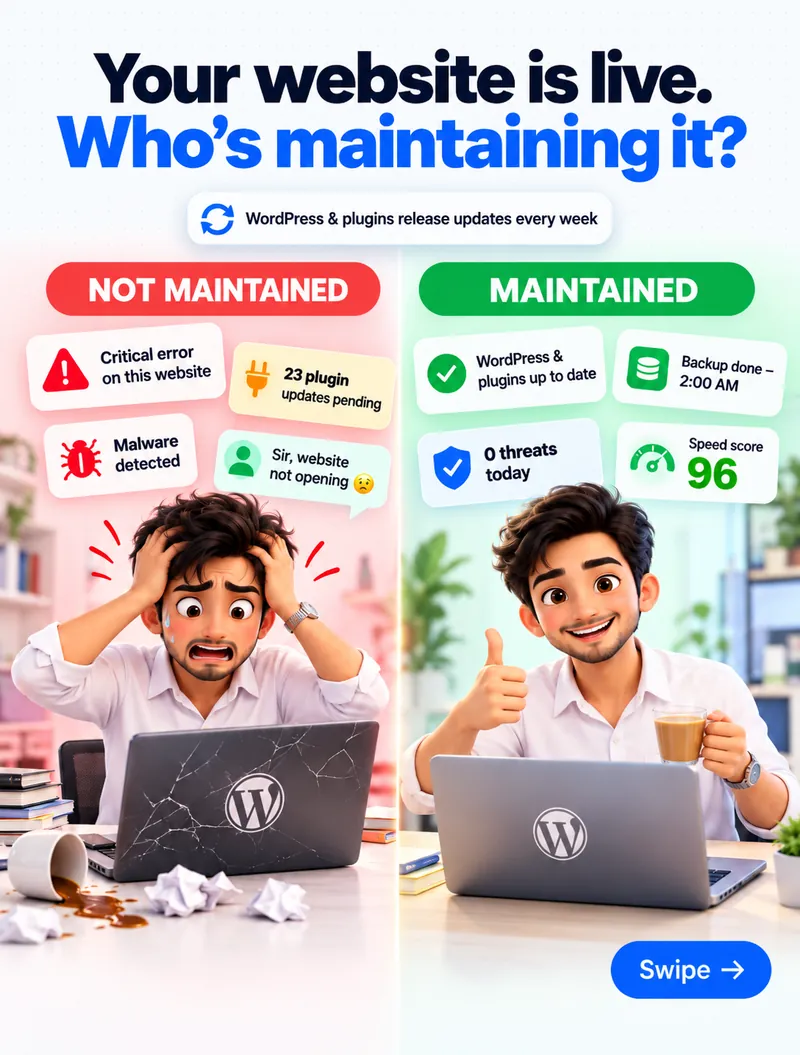
I've seen websites that looked great at launch slowly become harder to manage. None of the problems below happen overnight. They build up quietly when nobody is looking after the website.
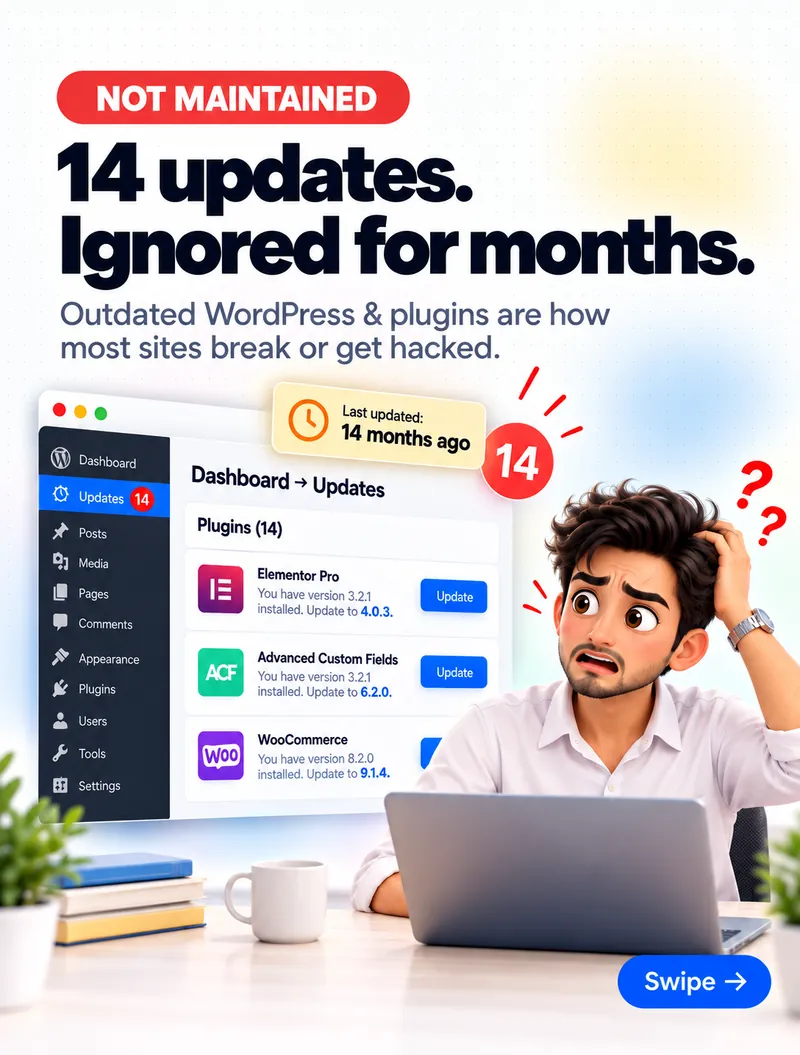
1. Fourteen updates, ignored for months
Outdated WordPress core and plugins are how most sites break or get hacked. Updates fix security holes that attackers already know about — so every update you skip leaves a door open a little longer.
The longer you wait, the harder it gets. Fourteen updates at once means fourteen chances for something to conflict, with no way to tell which one caused the problem.
What maintenance looks like: updates applied every week, tested on a copy of the site first, so a broken plugin never reaches your customers.
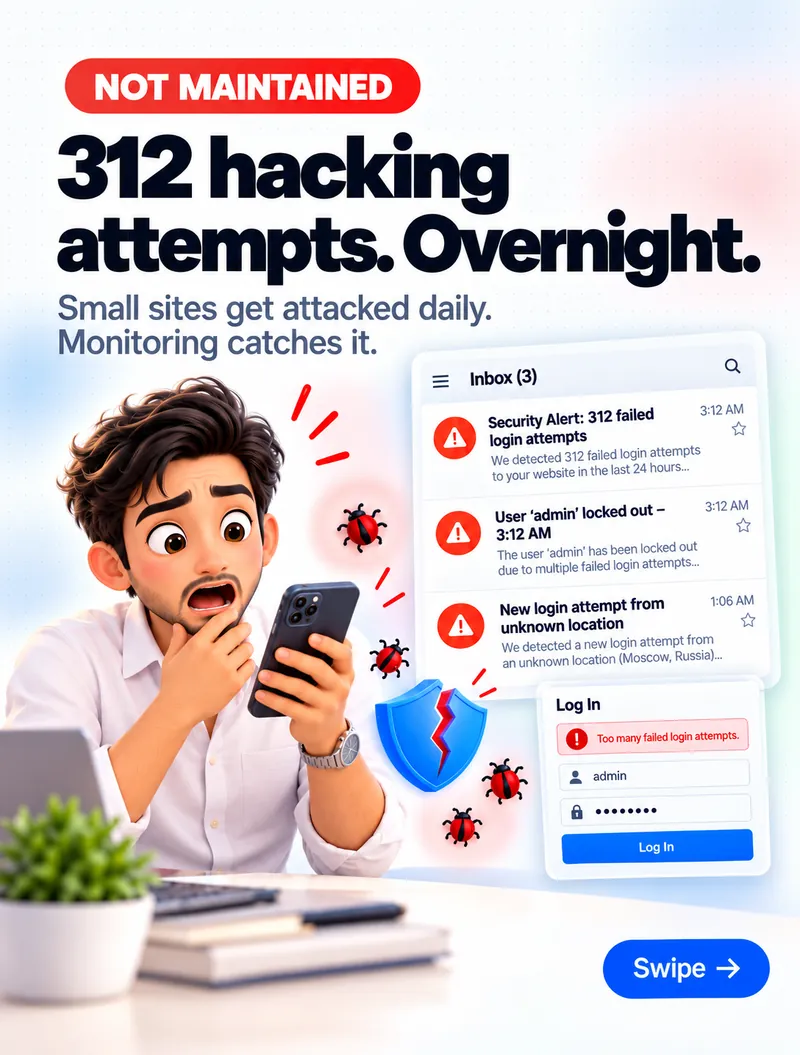
2. 312 login attempts in one night
Small sites get attacked every day. Bots don't care how big your business is — they try thousands of sites at a time, guessing passwords and probing for old plugins.
What maintenance looks like: login protection and limits on failed attempts, no "admin" username, strong passwords, and security monitoring that alerts someone when something unusual happens — so it's caught before it becomes a hack.
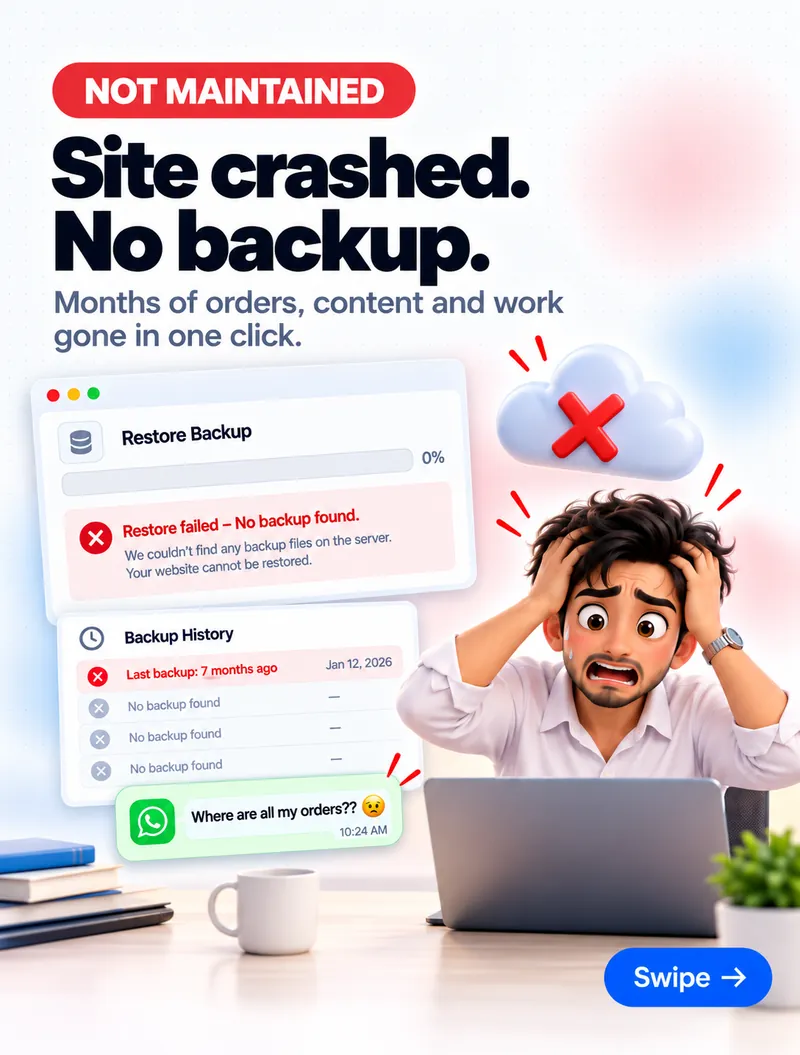
3. The site crashed — and there was no backup
A failed update, a hacked plugin or a hosting problem can take a site down in one click. If the last backup is months old — or the backups were never actually working — months of orders, content and work are gone.
What maintenance looks like: daily backups stored off the server, and backups that are actually tested by restoring them. A backup you've never restored is only a hope.
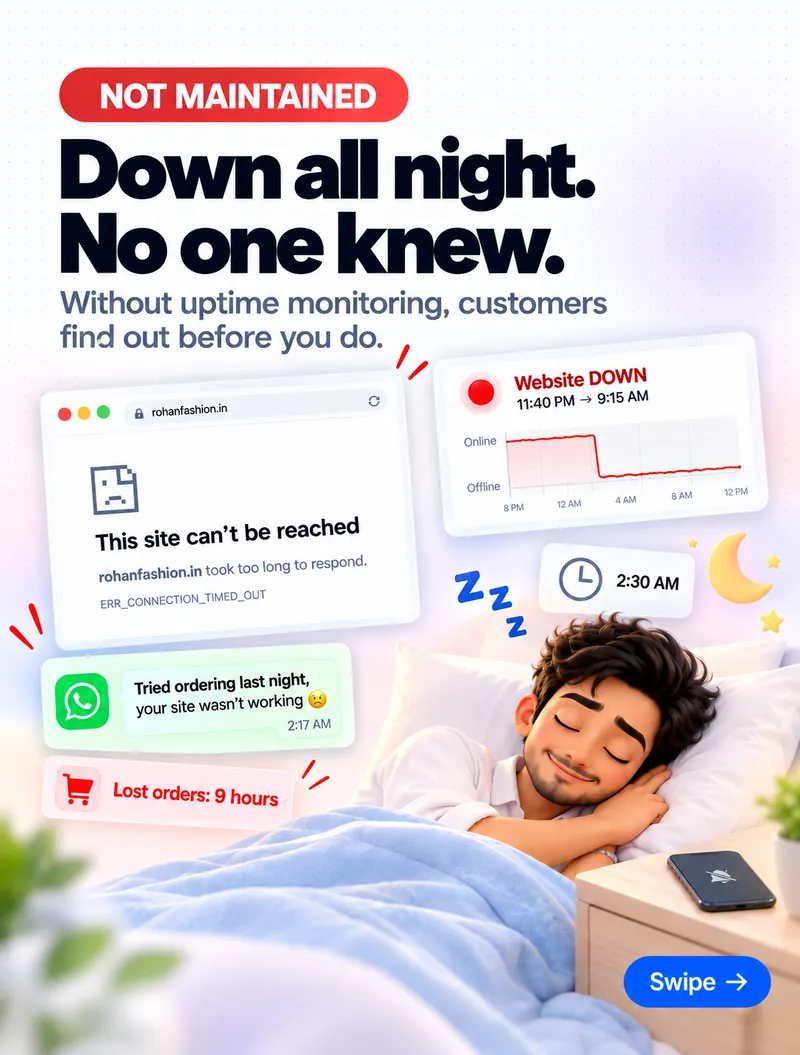
4. Down all night — and nobody knew
Websites go down at the worst times. Without uptime monitoring, the first person to notice is usually a customer — "I tried ordering last night, your site wasn't working" — after hours of lost orders.
What maintenance looks like: uptime monitoring that checks the site every few minutes and alerts you the moment it goes down, so it's fixed before customers find out.
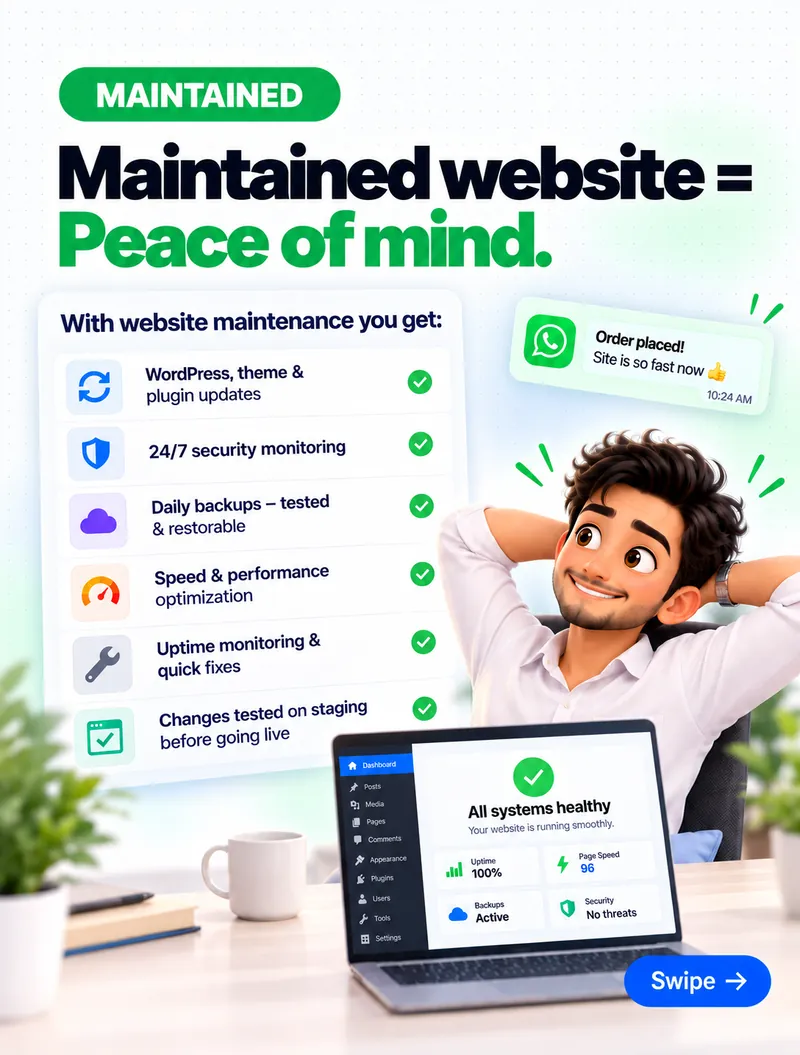
What you get when a website is maintained
A maintained website is quiet. Nothing dramatic happens — and that's the point:
- WordPress, theme and plugin updates applied and tested regularly
- Security monitoring, with suspicious activity caught early
- Daily backups, tested and ready to restore
- Speed and performance checked and kept fast
- Uptime monitoring and quick fixes when something breaks
- Changes tested on a staging copy before they go live
- Renewals tracked — domains, hosting and SSL (here's how we track renewals)
The real question
The real question isn't "How quickly can we build the website?" It's "How well can we maintain it after launch?"
A website is a business asset. Treat it like one.
Want a free website check?
If you'd like someone to take care of your WordPress website, send us a message through our contact form — or DM "CARE" on Instagram — and I'll do a free check of updates, security, backups and speed. See our web development and care services.