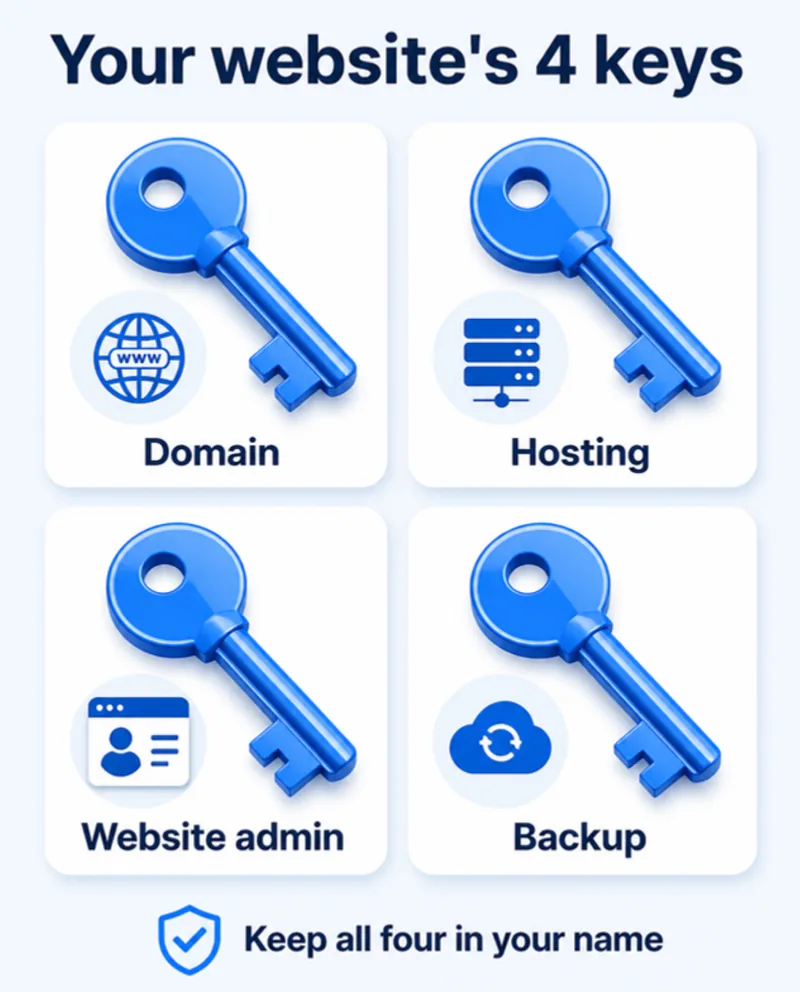
Your website's 4 keys — domain, hosting, admin and backup. Do you hold them?
If your developer disappears, can you still change your website? The 4 logins every owner must hold — domain, hosting, admin and backup.

It's Friday evening. You run a small hotel, and the weekend is fully booked — so you want to raise the room price on your website.
You try to log in. The password doesn't work.
You call your developer. No answer. You message. Two blue ticks, no reply. Meanwhile bookings keep coming in at the old price.
You'd never give your hotel's room keys to someone and keep none yourself. So why do it with your website?

The 4 keys every business owner must hold
Key 1: Domain login
Your domain is your address on the internet — yourbusiness.com. You pay for it every year at a registrar like GoDaddy, Hostinger, BigRock or Namecheap.
Why it matters most: whoever controls the domain controls where your website and email point. If the domain expires or sits in someone else's account, you can lose your website and your email — and getting it back can take weeks, or never happen. (We've seen domains expire and get bought by strangers. It happened to the very domain this blog sits on, years before we owned it.)
Make sure:
- The domain is registered in your name or your company's name, not your developer's.
- The registrar account uses your email and your phone for recovery.
- Auto-renew is on, with a card that won't expire next month.
Key 2: Hosting login
Hosting is the computer your website lives on — Hostinger, Bluehost, AWS, a local server company.
Make sure:
- You have the hosting account login (or at least admin access to it).
- The account is in your name and the invoices come to you.
- You know the renewal date. Hosting that isn't renewed takes the site offline.
Key 3: Website admin login
This is the login to change your website — WordPress (/wp-admin), Shopify, Wix, or a custom admin panel.
Make sure:
- You have your own administrator account, not a shared "admin" login the developer also uses.
- It's tied to your email, so password reset works for you.
- You know how to do the basics: change a price, update timings, add a photo.
Key 4: Backup
A backup is a copy of your whole website — files and database — saved somewhere other than the website's own server.
Make sure:
- Backups run automatically, at least weekly (daily for online stores and booking sites).
- At least one copy is stored outside the hosting account — Google Drive, Dropbox or a backup service.
- Someone has tested restoring a backup once. An untested backup is a hope, not a backup.
How to ask your developer (without starting a fight)
Most developers are honest and simply never thought to share access. Send something like this:
"Hi, for our records, please share the logins for our domain, hosting and website admin, and tell us where the backups are stored. Please make sure everything is registered in our company name and email. Thank you!"
A good developer will reply within a day. If someone refuses, delays for weeks or asks for money to "hand over" your own website — that's a warning sign. The domain, hosting and content are yours; you paid for them.
Keep the keys safe
- Store all four in a password manager (Bitwarden is free) or at least a sealed note with the business documents — not in a WhatsApp chat.
- Turn on two-step verification on the domain and hosting accounts.
- When a staff member or developer leaves, change the passwords the same week.
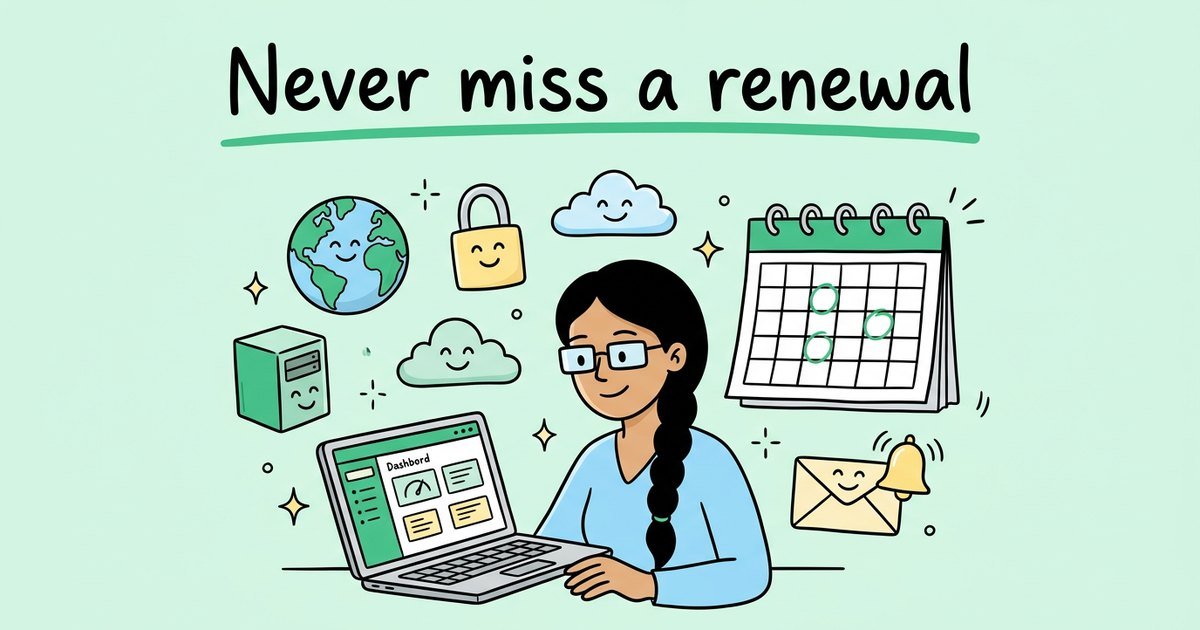
- Put renewal dates in your calendar, with a reminder 30 days before. We wrote a full guide to tracking domain and hosting renewals.
The 5-minute check
Tick each one honestly:
- ☐ I can log in to my domain account myself, and it's in my name.
- ☐ I can log in to my hosting account myself, and I know the renewal date.
- ☐ I have my own admin login to the website.
- ☐ I know where my backups are, and one copy is outside the hosting.
- ☐ Auto-renew is on for the domain and hosting.
All five ticked? You're in control. Anything missing? Fix it this week — before the Friday evening when you need it.
Need help getting your keys back?
We help business owners recover access to their domain, hosting and website, move everything into their own name, and set up automatic backups — then look after the site so it stays updated. WhatsApp +91 90333 77489, see our web development services, or get in touch.